Why Google Workspace is the Best Collaboration Tool for Remote Teams
As a remote team, you’re likely no stranger to disjointed communication. You need a tool to unite your team. That’s where Google Workspace comes in. It’s a powerhouse of collaboration tools. It can transform your remote team into a well-oiled machine.
Why Google Workspace is the Best Collaboration Tool for Remote Teams
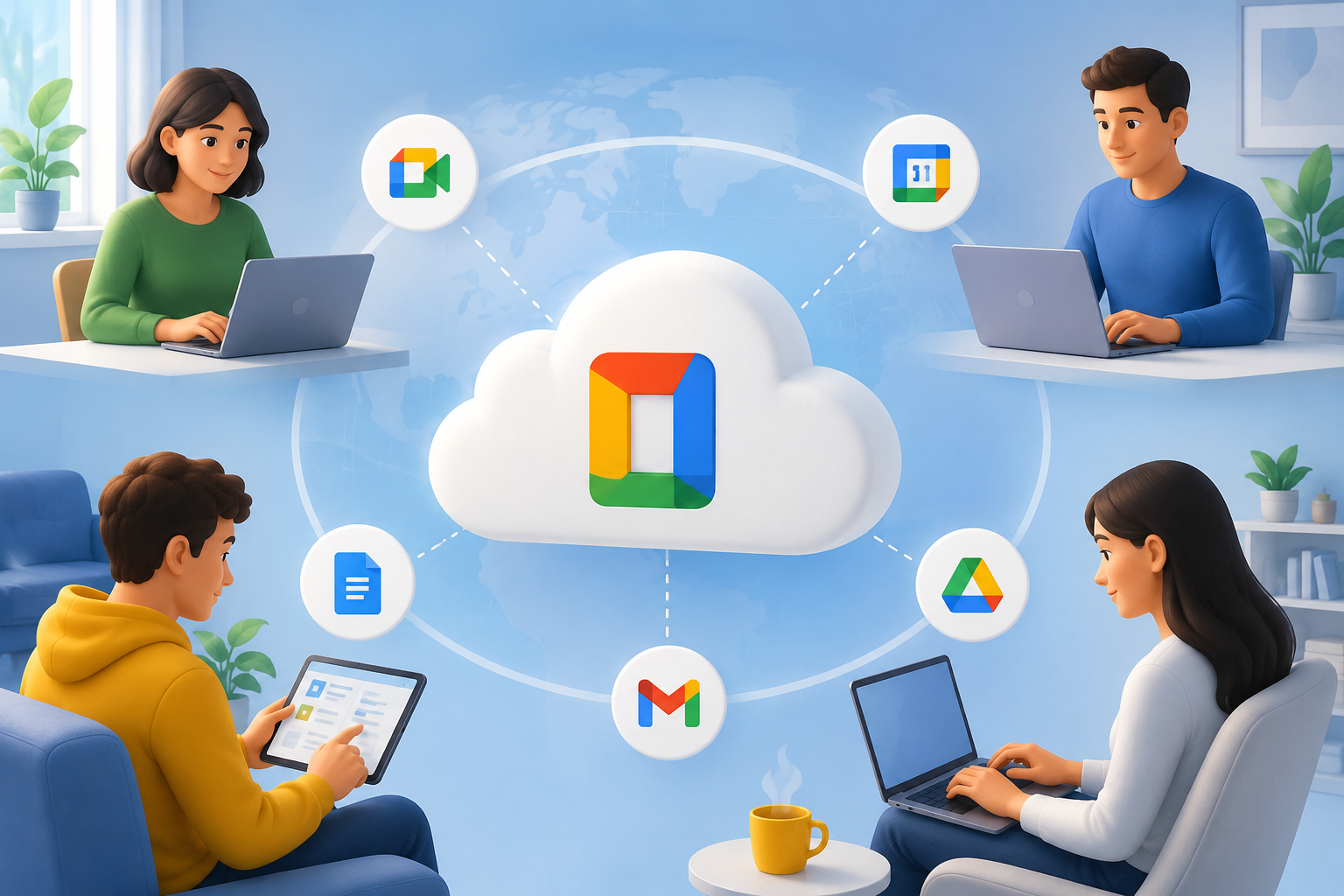
Google Workspace offers a suite of tools. These enable remote teams to collaborate in real-time. With Google Drive, you can store and share files. Google Docs and Google Sheets allow simultaneous editing. Google Meet and Google Chat facilitate face-to-face interactions.
Introduction to Google Workspace for Remote Collaboration
Imagine a virtual hub where your team can converge. Google Workspace is that hub. It offers tools for remote teams to collaborate. Google Drive is the central nervous system. You can store, share, and edit files with ease.
Key Features of Google Workspace
- Cloud-based storage: Google Drive provides secure storage.
- Real-time collaboration: Google Docs and Google Sheets enable simultaneous editing.
- Video conferencing: Google Meet brings teams face-to-face.
- Integration with other tools: Google Workspace integrates with other collaboration tools.
Enhancing Remote Team Productivity with Google Workspace
Google Workspace can catapult your remote team to new heights. It streamlines communication and task management. You can eliminate bottlenecks. Focus on delivering results.
Streamlining Communication and Task Management
Google Workspace provides tools to fine-tune communication. Google Calendar allows scheduling meetings. Google Tasks enables task assignment. A remote software development team can use Google Workspace to manage projects.
Security Features of Google Workspace for Remote Teams
Google Workspace recognizes the importance of security and privacy. It provides robust security features. These safeguard your remote team’s data. Two-factor authentication, data encryption, and access controls protect your data.
Data Protection and Access Controls
Google Workspace provides data protection features. Google Vault allows data archiving. Teams can protect their data. Ensure their safety. Navigate data protection with confidence.
Conclusion: Why Google Workspace is the Best Collaboration Tool for Remote Teams
Google Workspace is the ultimate collaboration tool. It offers a powerful suite of tools. These enable remote teams to collaborate. Streamline communication and task management. Achieve goals with ease.
FAQ
What are the key benefits of using Google Workspace for remote teams?
The key benefits include enhanced collaboration, improved communication, and increased productivity.
How does Google Workspace enhance remote team security?
Google Workspace enhances remote team security with two-factor authentication, data encryption, and access controls.
Can Google Workspace be integrated with other collaboration tools?
Yes, Google Workspace can be integrated with other collaboration tools.
To get the most out of Google Workspace, share your experiences. Comment below to join the conversation. Learn how Google Workspace can help your remote team succeed. Try Google Workspace today and discover a better way to collaborate. [Sign up for Google Workspace](https://workspace.google.com/) to start enhancing your remote team’s productivity.
What Are the Key Benefits of Using Google Workspace for Remote Teams?
Google Workspace helps remote teams collaborate in real time with shared documents, cloud storage, video meetings, and integrated communication tools like Gmail and Google Chat. Its cloud-based platform improves productivity, streamlines workflows, and enables employees to work securely from anywhere using any device.
How Does Google Workspace Enhance Remote Team Security?
Google Workspace protects remote teams with advanced security features such as two-factor authentication (2FA), data encryption, endpoint management, admin access controls, and secure cloud storage. These tools help safeguard business data, prevent unauthorized access, and ensure employees can work securely from any location.
Can Google Workspace Be Integrated with Other Collaboration Tools?
Yes, Google Workspace integrates seamlessly with hundreds of popular collaboration and business tools, including CRM platforms, project management software, video conferencing applications, and productivity apps. It also supports integrations through APIs and the Google Workspace Marketplace, allowing businesses to streamline workflows and improve team collaboration without switching between multiple platforms.
Google Workspace offers a comprehensive set of tools designed to boost remote team collaboration, security, and overall productivity. Learn how it can transform your remote work experience and culture. With its robust features, Google Workspace is the go-to solution for managing remote teams effectively.