As a business owner in India, you are constantly looking for ways to streamline your workflows, reduce costs, and increase productivity. One tool that can help you achieve these goals is Google Forms, a free online form and survey builder that is part of the Google Workspace suite of productivity applications. In this article, we will explore how to use Google Forms for business in India and provide examples of how it can be used in various industries.
Introduction to Google Forms
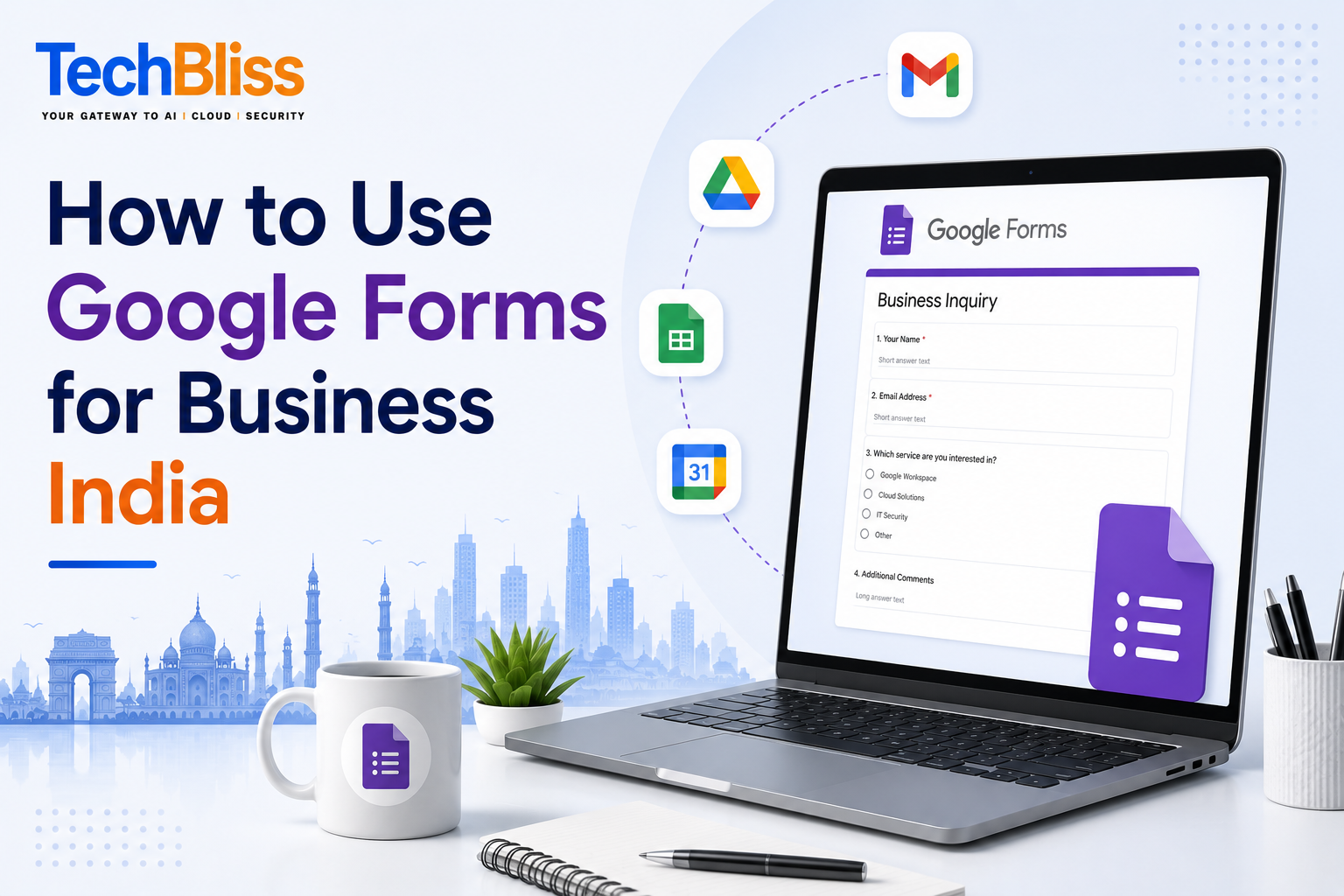
Google Forms is a web-based application that allows you to create custom forms and surveys that can be shared with others via a link or embedded on a website. The forms can be used to collect data, feedback, and opinions from customers, employees, or partners. Google Forms is free to use, and you can create as many forms as you need, with unlimited questions and responses.
Features of Google Forms
Google Forms has a range of features that make it an ideal tool for businesses in India. Some of the key features include the ability to create custom forms with various question types, such as multiple choice, checkboxes, and text fields. You can also add logic to your forms, so that certain questions are only displayed based on the respondent’s previous answers. Additionally, Google Forms integrates seamlessly with other Google Workspace applications, such as Google Sheets and Google Drive.
For example, a company in Mumbai can use Google Forms to collect feedback from customers about their products or services. The form can be shared on social media or embedded on the company’s website, and the responses can be automatically saved to a Google Sheet for analysis. The cost of using Google Forms is zero, as it is a free application, but businesses can also upgrade to Google Workspace, which costs Rs. 210 per user per month for the Business Starter plan.
Using Google Forms for Business
There are many ways that businesses in India can use Google Forms to streamline their workflows and improve productivity. Some examples include:
- Collecting customer feedback and surveys to improve products and services
- Conducting market research to understand customer needs and preferences
- Creating online registration forms for events and workshops
- Building lead generation forms to capture contact information from potential customers
- Streamlining internal processes, such as employee onboarding and expense reporting
For instance, a startup in Bangalore can use Google Forms to create a lead generation form on their website, which captures contact information from potential customers. The form can be integrated with Google Sheets, so that the leads are automatically saved to a spreadsheet for follow-up. This can help the startup to streamline their sales process and reduce the time spent on manual data entry.
Example Use Case: Event Registration
Let’s say you are organizing a conference in Delhi and you need to create an online registration form for attendees. You can use Google Forms to create a custom form that collects the attendee’s name, email address, phone number, and other relevant information. You can also add a payment gateway to the form, so that attendees can pay the registration fee online. The form can be shared on social media or embedded on the conference website, and the responses can be automatically saved to a Google Sheet for analysis.
Benefits of Using Google Forms for Business
There are many benefits of using Google Forms for business in India. Some of the key benefits include:
- Cost savings: Google Forms is free to use, which means that you can save money on form building and survey tools.
- Increased productivity: Google Forms can help you to streamline your workflows and automate manual processes, which can save you time and increase productivity.
- Improved data analysis: Google Forms integrates seamlessly with Google Sheets, which means that you can easily analyze and visualize your data.
- Enhanced collaboration: Google Forms can be shared with others in real-time, which makes it easy to collaborate with team members and stakeholders.
For example, a small business in Chennai can use Google Forms to create a customer feedback form, which can be shared with employees and stakeholders. The form can be used to collect feedback and suggestions from customers, which can be used to improve products and services. The cost of using Google Forms is zero, but the business can upgrade to Google Workspace, which costs Rs. 630 per user per month for the Business Standard plan.
If you need help with setting up Google Forms or Google Workspace for your business in India, contact TechBliss.in, a authorized Google Workspace reseller in India. They can provide you with expert guidance and support to help you get the most out of Google Forms and other Google Workspace applications. With Google Forms, you can streamline your workflows, reduce costs, and increase productivity, so why not give it a try today?