Did you ever notice that many small‑and‑medium businesses pay extra for cloud productivity tools because they skip reseller discounts? Choosing the right purchase path for google workspace business starter can save a noticeable amount each year. In the next sections we explain the google workspace business starter plan, compare a direct Google purchase with reseller options, and point out hidden costs to watch. Whether you run a five‑person startup or a fifty‑seat office, the right decision trims expenses, eases migration, and keeps your email and collaboration suite running smoothly. Let’s see how to future‑proof your business today.
Table of Contents
What is Google Workspace Business Starter? Why it matters
📊 42% of SMBs overpay on cloud productivity tools by skipping reseller discounts.
google workspace business starter is the most affordable tier for small and midsize teams. It gives each user a branded gmail business address, 30 GB of cloud storage, and the core apps—Calendar, Drive, Docs, Sheets, and Meet. It replaces the old G Suite Basic plan and targets companies that need reliable mail and simple file sharing without the higher price of premium tiers.
Key Features of the Business Starter plan
- Custom email – Use your own domain with Gmail Business.
- 30 GB storage per user – Enough for documents, photos, and modest video clips.
- Video meetings up to 100 participants – Good for client demos or quick team huddles.
- Standard security – Two‑step verification, anti‑phishing filters, and basic admin controls.
Ideal business size and use cases
- Start‑ups (5‑20 users) that need a polished email address without draining cash flow.
- Retail or service firms that rely on fast document exchange and calendar syncing.
- Remote teams that value simple video calls and real‑time co‑authoring.
![]()
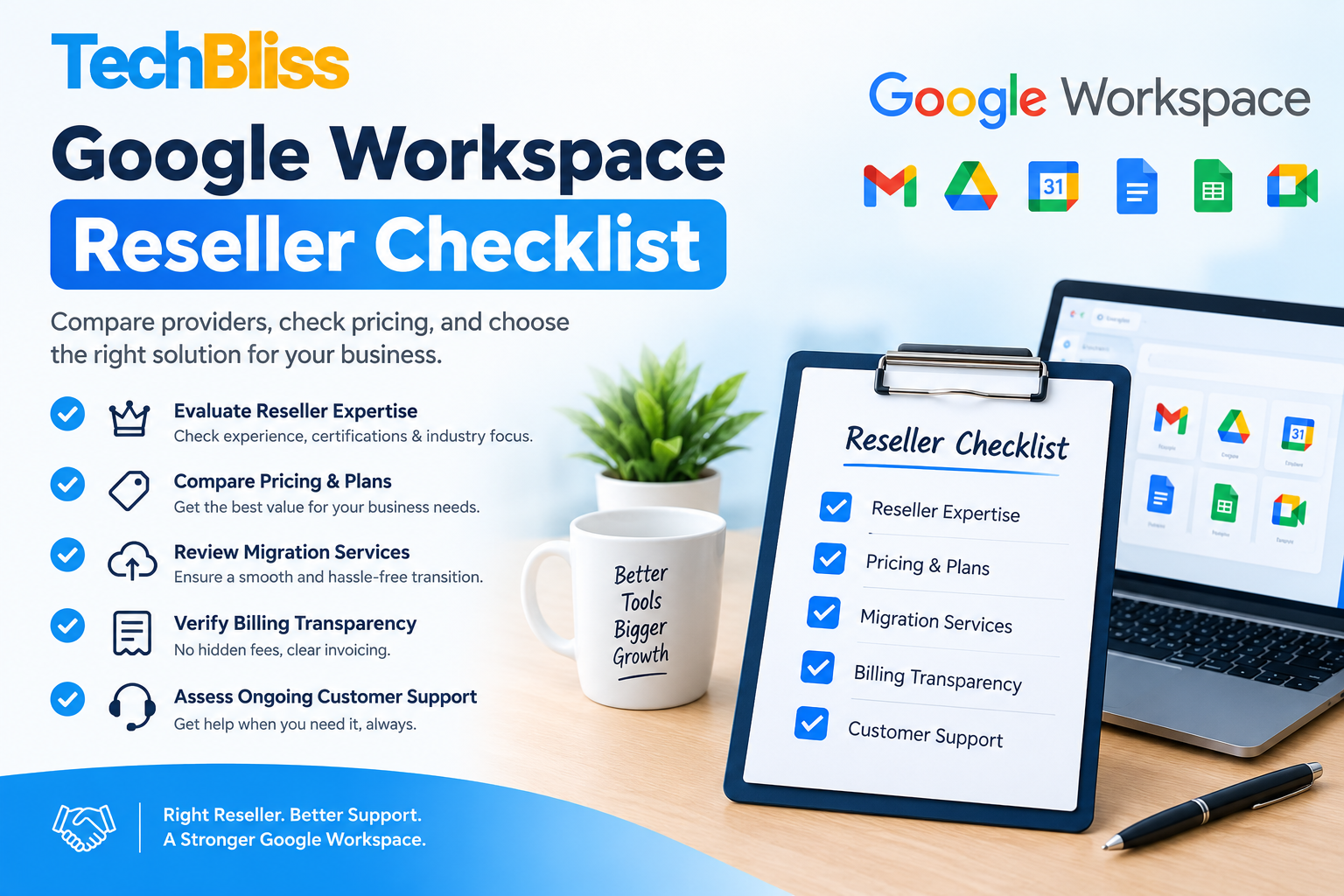
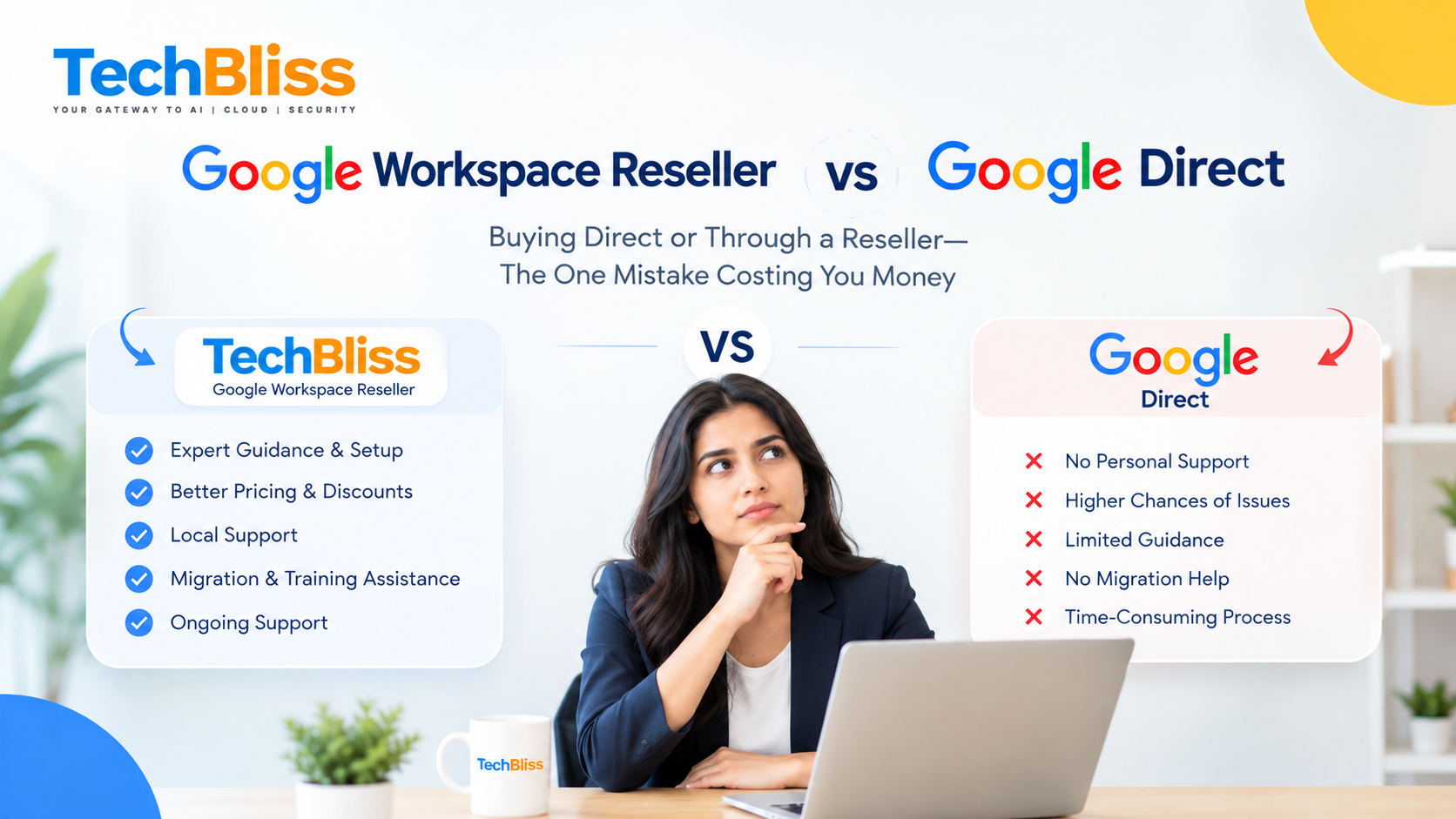
Direct Purchase vs Reseller: Cost and Support Comparison
| Aspect | Direct Purchase (India) | Reseller (India) |
|---|---|---|
| Monthly price per user | ₹125 | ₹108 (≈14% discount) |
| Annual contract discount | 5% off on yearly billing | 10%‑15% off plus bundled services |
| Support SLA | Standard 24‑hour response | Premium 4‑hour response (depends on tier) |
| Migration assistance | Self‑service guides only | Included data migration for up to 500 GB |
| Hidden fees | None beyond listed price | Potential add‑ons like backup or training |
Pricing Breakdown – Direct vs Reseller in India
When you buy straight from Google, the price you see is the baseline per‑user, per‑month amount. Certified partners usually quote a lower headline rate and may bundle services such as data migration, backup, or hands‑on training. Over a twelve‑month horizon, the reseller route typically yields a modest saving before any optional extras are added. For a deeper dive, visit the Google Workspace Pricing page.
Support Levels and SLA differences
Google’s default support aims to answer non‑critical tickets within one business day. Many authorized partners promise a quicker turnaround—sometimes within a few hours—and assign a dedicated account manager. If your operation runs on tight timelines (think a call‑center handling live tickets), that speed can be the difference between a brief hiccup and a costly outage.
⭐ Pro Tip: When evaluating a reseller, ask for their exact SLA wording and any escalation paths. A fast SLA is only useful if you know how to trigger it.
![]()
How to Choose the Right Buying Path for Your SMB
Step 1 – Assess your budget and growth plans
- Current headcount – Multiply the per‑user fee by the number of seats you need today.
- Projected growth – If you plan to add ten people in the next six months, factor the incremental cost.
- Cash flow – Direct purchases let you pay month‑to‑month; resellers often require an annual commitment but reward you with deeper discounts.
Step 2 – Evaluate reseller value‑added services
- Migration support – A reseller can lift the heavy lifting of moving from legacy email to Gmail, saving weeks of internal effort.
- Training – Some partners host short workshops that accelerate user adoption and reduce support tickets.
- Bundled SaaS – Look for packages that combine Workspace with other small‑business tools at a single price point.
⭐ Pro Tip: Request a detailed quote that lists every line item, including any optional add‑ons. Transparent pricing helps you avoid surprise fees later.
Step 3 – Make the purchase and set up migration
- Choose the buying path – Direct via Google’s storefront or through a vetted Google Workspace reseller.
- Create your admin account – Verify your domain and provision user accounts.
- Plan migration – Use Google’s native migration wizard for a DIY move, or hand the task to a reseller for a hands‑off experience.
- Configure security – Turn on two‑step verification and establish basic admin policies.
We’ve helped dozens of SMBs navigate this exact fork in the road. The most common mistake is ignoring post‑year‑one costs—especially when a reseller adds backup or premium support without a clear line‑item.
Frequently Asked Questions
What is the price difference between buying Google Workspace Business Starter directly and through a reseller in India?
Direct purchase follows the standard per‑user, per‑month rate, while many resellers advertise a reduced figure that can translate into a few hundred rupees saved per seat over a year. The gap widens as your headcount expands.
Are there any hidden fees when purchasing Google Workspace Business Starter via a reseller?
Resellers may bundle extras such as data backup, advanced security layers, or training sessions. These items are optional, but some contracts include them by default. Always scrutinize the fine print and ask for a line‑item breakdown before you sign.
Can I switch from a reseller to a direct purchase later without data loss?
Yes. Google permits you to migrate the subscription back to a direct account. The key steps are backing up all user data first and ensuring your domain verification remains intact. A seasoned migration partner can orchestrate the switch with minimal downtime.
Conclusion: Google Workspace Business Starter final thoughts
Choosing between a direct buy and a reseller for google workspace business starter hinges on three factors: pure cost, level of support, and the ancillary services you value. Buying straight from Google offers the cleanest price sheet and uncomplicated terms, while a reputable reseller can lower your total cost of ownership by handling migration, delivering faster support, and packaging complementary small business SaaS tools.
Take the time to map your growth trajectory, probe the SLA language, and run a quick cost‑benefit analysis. The path you select will keep your email, calendar, and collaboration suite running like a well‑oiled machine while protecting your bottom line.
💡 Ready to lock in the best Google Workspace Business Starter deal? Contact our experts now for a free cost‑analysis and migration plan.
We’d love to hear about your experience or any lingering questions. Drop a comment below, or reach out directly for a personalized recommendation.
References:
- Google Workspace Pricing – official source
- Google Workspace Business Starter details
If you outgrow the starter plan, consider the Google Workspace Business Standard option for added storage and advanced features.
Compare the google workspace business starter with other plans in our Google Workspace vs Microsoft 365 Comparison.
Get a Free Quote
Talk to TechBliss Solutions — your trusted technology and digital marketing partner in India.
TechBliss Solutions
Mobile Number: +91 9716813099
Website: TechBliss