Google Workspace Migration Services Explained
As a business owner, migrating to Google Workspace can be daunting. But with the right guidance, you can avoid downtime and disruption. Google Workspace migration services can help you transition smoothly.
What is Google Workspace Migration Services Explained
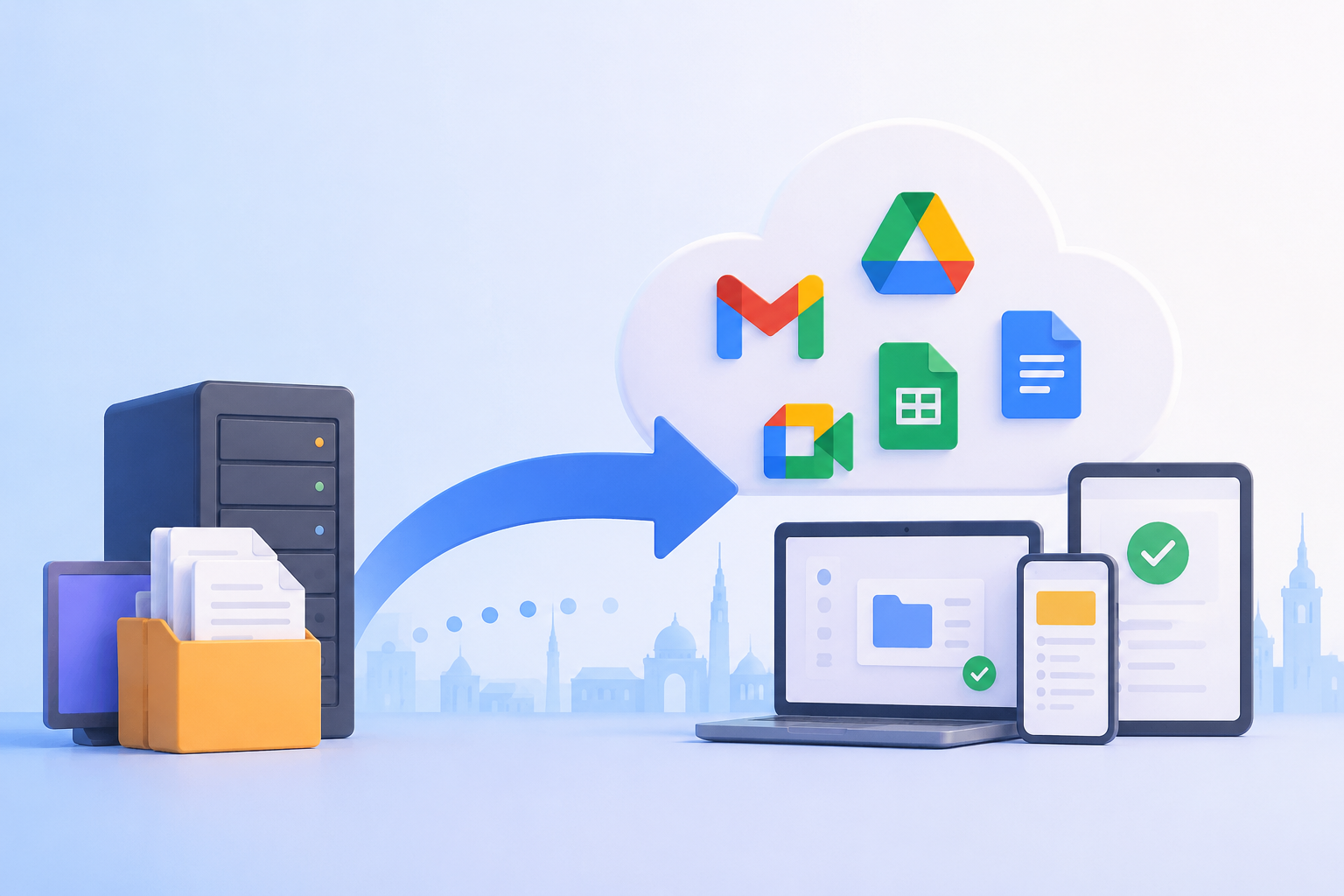
Google Workspace migration is transferring data from an existing platform to Google Workspace. This includes emails, documents, and calendars. The goal is to ensure accurate and efficient data transfer, minimizing downtime.
Google Workspace Migration Services
Migrating to Google Workspace gives you access to productivity tools like Gmail, Google Drive, and Google Docs. Google Workspace is a cloud-based platform, offering collaboration tools and cloud-based infrastructure. This means you can save on costs associated with IT infrastructure. You can use Google Drive and Google Docs to collaborate on projects.
Why Migrate to Google Workspace
Google Workspace migration offers many benefits, including improved collaboration, increased productivity, and cost savings. It’s like having a superpower that transforms your operations. Google Workspace migration services can help you navigate the migration process.
Google Workspace Migration Process Explained
The Google Workspace migration process involves assessing your current infrastructure and identifying data to be migrated. This includes emails, calendars, and documents. You’ll set up your Google Workspace account and configure settings. The data transfer process can use tools like the Google Workspace Migration tool or third-party services. You can also use import tools to transfer emails from Microsoft Exchange to Google Workspace.
Pre-Migration Checklist
Before migrating, complete a pre-migration checklist:
- Identify data to be migrated
- Assess your infrastructure
- Set up your Google Workspace account
- Configure settings
- Test the migration process
Google Workspace Migration Services Explained
Google Workspace data migration services help you transfer data safely and efficiently. These services include email import and data transfer, ensuring accurate and efficient data transfer. The cost of Google Workspace migration varies depending on migration complexity and business size.
Email Import and Data Transfer
The email import and data transfer process involves transferring emails, calendars, and documents from your existing platform to Google Workspace. This can use tools like the Google Workspace Migration tool or third-party services. You can use Gmail and Google Calendar to collaborate with your team.
Conclusion: Google Workspace Migration Services Explained
In conclusion, Google Workspace migration services explained help you transition to Google Workspace smoothly. The migration process involves transferring data, minimizing downtime. With experienced migration services, you can avoid common challenges and enjoy Google Workspace benefits, including increased productivity, cost savings, and improved collaboration. To get started with Google Workspace migration, contact a migration expert today. Contact Us
FAQ
What is Google Workspace?
Google Workspace is a cloud-based platform providing productivity tools like Gmail, Google Drive, and Google Docs. It offers collaboration tools and cloud-based infrastructure to help businesses work efficiently.
How long does Google Workspace migration take?
The time it takes to complete a Google Workspace migration depends on migration complexity and business size. However, with experienced migration services, the process can be completed quickly and efficiently.
What are the benefits of Google Workspace migration?
The benefits of Google Workspace migration include increased productivity, cost savings, and improved collaboration. By adopting Google Workspace, businesses can enjoy many benefits that transform operations and improve their bottom line. If you have questions or need help with Google Workspace migration, please comment below or contact us to get started with your migration journey. https://support.google.com Contact us today to learn more about Google Workspace migration services and how we can help you transform your business. Contact Us
What is Google Workspace?
Google Workspace is a cloud-based productivity suite that includes business tools such as Gmail, Google Drive, Google Docs, Google Sheets, Google Meet, and Google Calendar. It enables teams to collaborate in real time, securely store files in the cloud, and streamline communication, helping businesses improve productivity and efficiency.
How long does Google Workspace migration take?
The time required for a Google Workspace migration depends on factors such as the amount of data, the number of user accounts, the source platform, and the complexity of the migration. Small businesses can often complete the process within a few days, while larger organizations may require several weeks. With professional Google Workspace migration services, the transition is carefully planned to minimize downtime and ensure a secure, efficient migration.
What are the benefits of Google Workspace migration?
Google Workspace migration offers numerous benefits, including enhanced team collaboration, improved productivity, secure cloud storage, reduced IT maintenance costs, and seamless access to files and applications from any device. Businesses also benefit from enterprise-grade security, automatic updates, and scalable tools that support growth while simplifying day-to-day operations.
Migrating to Google Workspace can be complex, learn how to migrate your business seamlessly with our expert Google Workspace migration services, including data migration and email import, get the guide now and discover the benefits