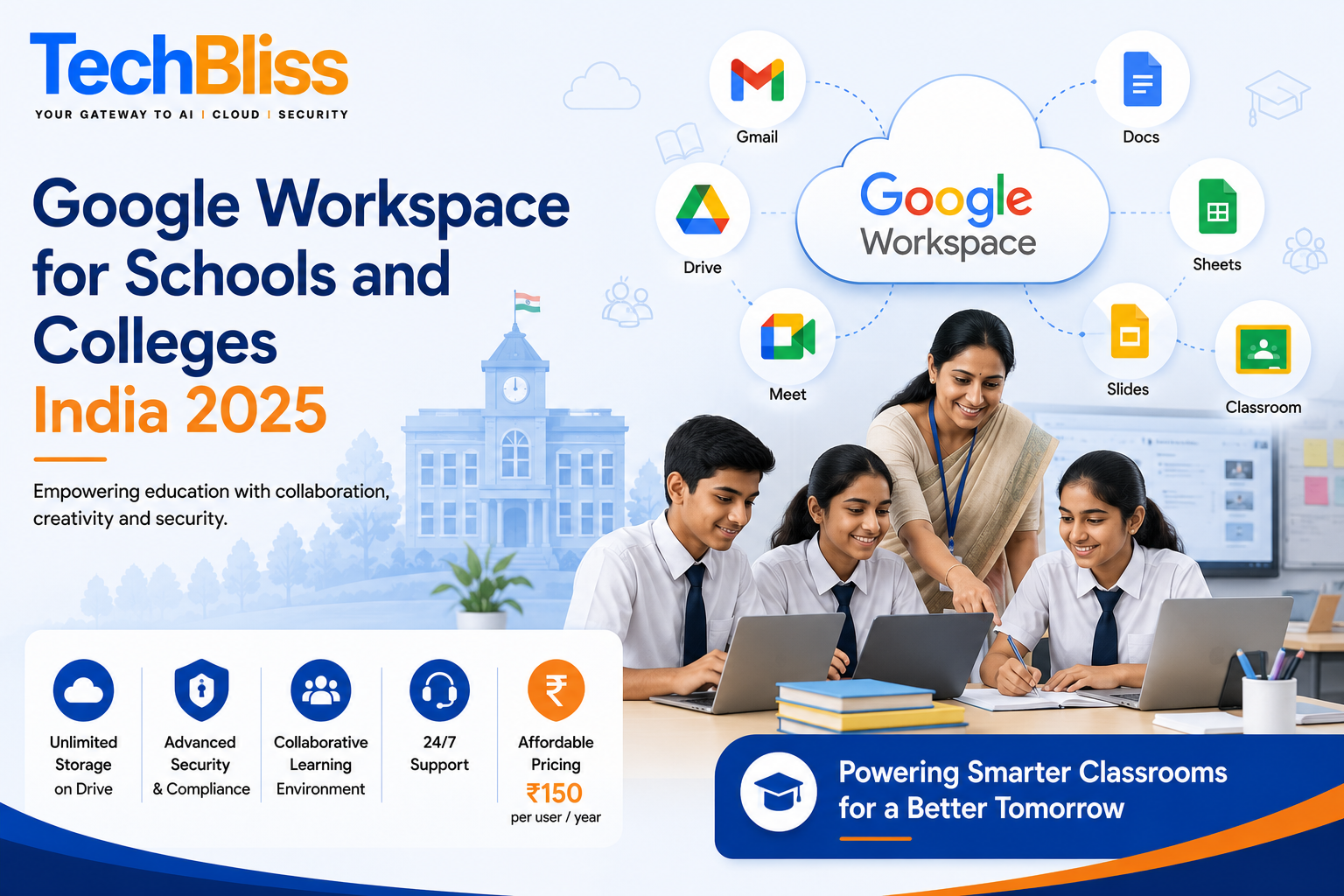
Google Workspace, formerly known as G Suite for Education, is a set of productivity tools designed specifically for educational institutions. It offers a range of applications, including Gmail, Google Drive, Google Docs, Google Sheets, Google Slides, and Google Classroom, all of which can be used to enhance the learning experience for students and improve the efficiency of educators. In India, Google Workspace has become an essential tool for many schools and colleges, helping them to streamline their operations and improve student outcomes.
Benefits of Google Workspace for Schools and Colleges
There are many benefits of using Google Workspace in schools and colleges. One of the main advantages is that it provides a collaborative learning environment, where students and teachers can work together on projects and share resources. Google Docs, for example, allows multiple users to edit a document simultaneously, making it easier for students to work on group projects. Additionally, Google Classroom provides a platform for teachers to create and distribute assignments, grade work, and provide feedback to students.
Key Features of Google Workspace
Some of the key features of Google Workspace include unlimited storage on Google Drive, advanced security features, and 24/7 support. These features make it an attractive option for schools and colleges, which often have limited budgets and IT resources. With Google Workspace, educators can focus on teaching and learning, rather than worrying about the technical aspects of their IT infrastructure. For example, a school in Mumbai can use Google Workspace to create a virtual classroom, where students can access course materials and participate in online discussions.
Another benefit of Google Workspace is that it is affordable. The cost of Google Workspace for Education is Rs. 150 per user per year, which is a fraction of the cost of traditional IT solutions. This makes it an accessible option for schools and colleges in India, where budgets are often limited. For a small school in Delhi, for example, the cost of Google Workspace would be Rs. 15,000 per year for 100 users, which is a significant saving compared to other IT solutions.
How Google Workspace Can Be Used in the Classroom
Google Workspace can be used in a variety of ways in the classroom. For example, teachers can use Google Docs to create and distribute assignments, and students can use Google Sheets to analyze data and create charts. Google Slides can be used to create presentations, and Google Classroom can be used to create and manage online courses. In Bangalore, for example, a college is using Google Workspace to create a virtual learning environment, where students can access course materials and participate in online discussions.
Examples of Google Workspace in Action
There are many examples of Google Workspace being used successfully in schools and colleges in India. For example, the Indian Institute of Technology (IIT) in Delhi uses Google Workspace to provide email and collaboration tools to its students and faculty. Another example is the University of Mumbai, which uses Google Workspace to create and manage online courses. These examples demonstrate the potential of Google Workspace to transform the learning experience and improve student outcomes.
In addition to these examples, there are many other ways that Google Workspace can be used in schools and colleges. For example, teachers can use Google Forms to create quizzes and surveys, and students can use Google Jamboard to create interactive whiteboards. The possibilities are endless, and the benefits of using Google Workspace are clear.
Getting Started with Google Workspace
Getting started with Google Workspace is easy. Schools and colleges can sign up for a free trial, and then purchase a subscription for Rs. 150 per user per year. There are also discounts available for non-profit organizations and educational institutions. Additionally, Google provides a range of training and support resources, including online tutorials and webinars, to help educators get started with Google Workspace.
Some of the key things to consider when getting started with Google Workspace include
- setting up a domain and creating user accounts
- configuring security settings and access controls
- providing training and support to educators and students
By following these steps, schools and colleges can ensure a smooth transition to Google Workspace and start experiencing the benefits of this powerful platform.
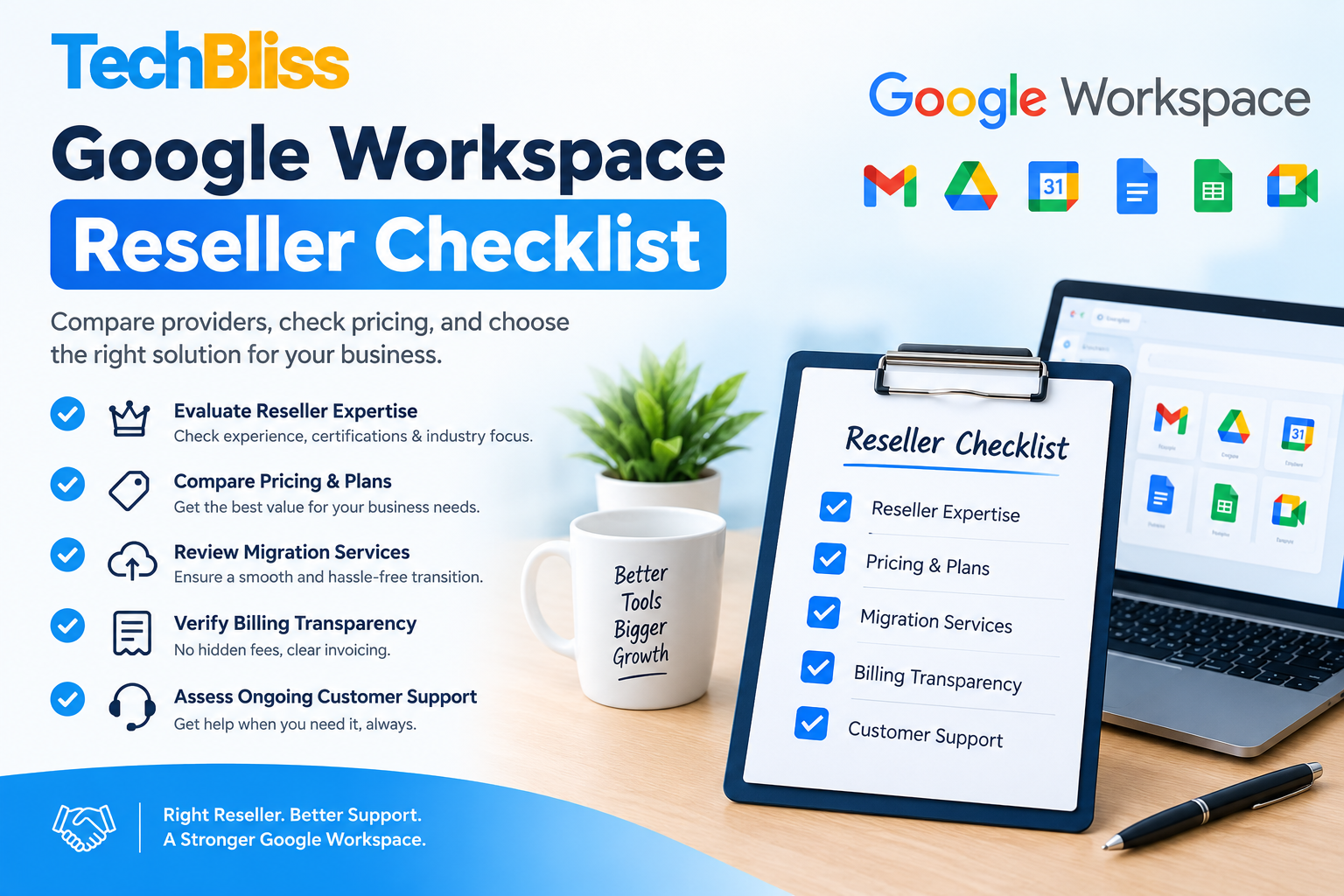
For schools and colleges in India that are looking to get started with Google Workspace, TechBliss.in is a trusted partner that can provide expert guidance and support. With years of experience in implementing Google Workspace solutions, TechBliss.in can help educators to get the most out of this powerful platform and improve student outcomes. Whether you are a small school in Mumbai or a large college in Delhi, TechBliss.in can provide the support you need to succeed with Google Workspace. Contact us today to learn more about how we can help.