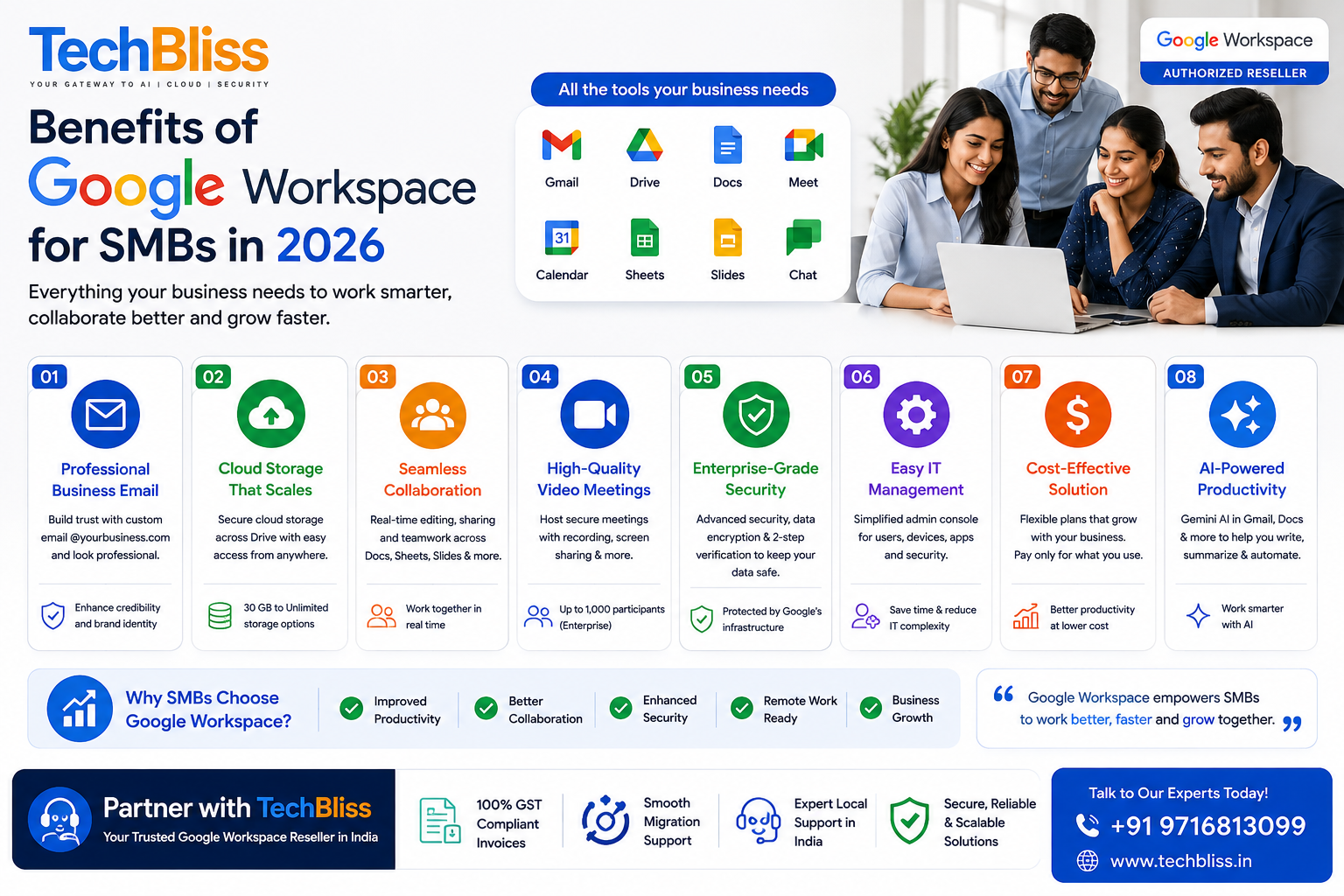
Benefits of Google Workspace for SMBs in 2026
If you’re running a small or mid-sized business and still juggling a free Gmail account, a random file-sharing app, and a video tool nobody actually likes, you’re paying for that mess somewhere else, in wasted hours and support headaches. The core benefits of Google Workspace for SMBs come down to three things: a professional business identity, tools that already talk to each other, and security controls an admin can actually manage without a computer science degree. For a growing company in 2026, that combination usually matters more than any single flashy feature.
We work with founders across India and the wider SMB market every week, and the pattern is consistent. Teams that consolidate onto one platform stop losing files in email threads and stop paying separately for storage, video conferencing, and document tools that don’t sync. That’s not a marketing line, it’s just what happens when you remove friction from daily work.
What tools do you actually get with Google Workspace?
Google Workspace bundles Gmail, Drive, Docs, Sheets, Slides, Meet, Calendar, and Chat under one login, plus an admin console that controls all of it from a single dashboard. That’s the short answer. The longer answer is that these aren’t separate apps stitched together after the fact. They share the same permissions layer, so a file shared in Drive respects the same access rules whether someone opens it from Gmail, Docs, or a Meet call.
For a small team, this matters more than it sounds. A marketing coordinator drafting a proposal in Docs can drop it straight into a Meet call for live editing while five people watch changes happen in real time. No exported PDFs, no “which version is final” confusion in the group chat. If you’ve ever lost twenty minutes hunting for the “actually final_v3” file, you already understand the appeal.
Is Google Workspace worth it for a small business?
For most small businesses, yes, Google Workspace is worth it, mainly because of the custom email domain, the shared storage, and the fact that pricing scales per user rather than requiring a large upfront server investment. The real question isn’t whether it’s worth it in general. It’s which tier actually matches how your team works.
A five-person consultancy doesn’t need the same storage or security depth as a fifty-person finance firm handling client documents. That’s where the plan tiers start to matter, and where a lot of businesses either overpay for headroom they don’t use or underbuy and hit storage walls mid-quarter.
| Plan | Pooled storage per user | Video meeting capacity | Security & admin controls |
| Business Starter | 30 GB | Up to 100 participants | Basic admin console, standard support |
| Business Standard | 2 TB | Up to 150 participants, with recording | Enhanced admin controls, optional eDiscovery |
| Business Plus | 5 TB | Up to 500 participants, recording, attendance tracking | Advanced security policies, Vault and eDiscovery included |
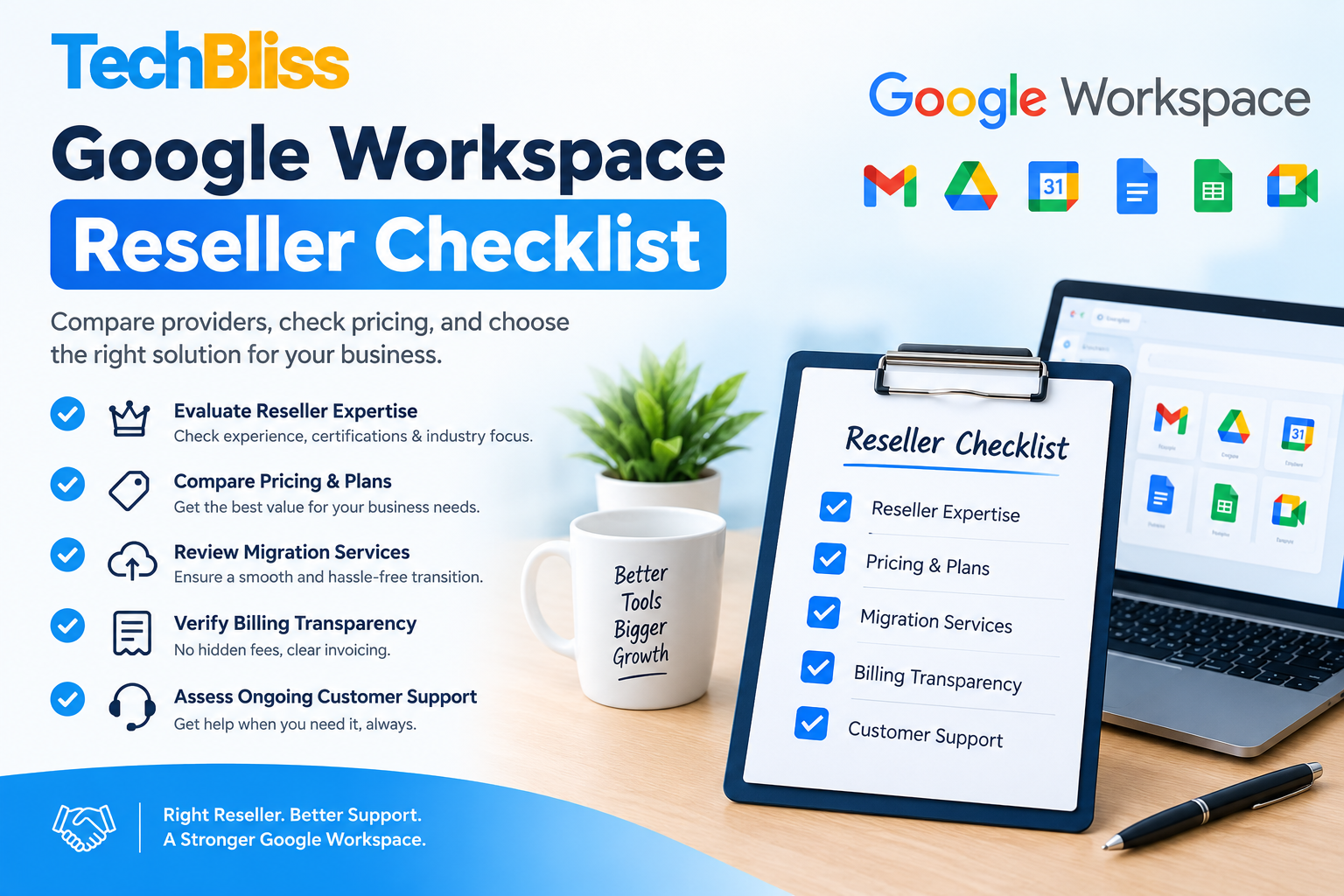
You can check current pricing and feature detail directly on our Google Workspace Business Starter pricing page if you’re a lean team just getting off free Gmail. Businesses handling more client documentation or needing recorded meetings tend to land on our Google Workspace Business Standard pricing page instead. For exact current rates on any tier, Google’s own pricing page is the source of record: Google Workspace pricing.
How can Indian SMEs adopt Google Workspace without disrupting daily work?
Indian SMEs can move to Google Workspace in stages: audit existing mailboxes and file shares, pick a plan sized to actual usage, migrate data in batches during off-hours, then run both systems briefly before cutting over completely. Skipping the audit step is the single most common mistake we see.
Google Workspace pricing for Indian startups tends to work in a business’s favor early on because you’re not sinking capital into on-premise mail servers or physical storage hardware. But the migration itself deserves real planning, not a weekend rush.
If you’re wondering how to migrate to Google Workspace from on-premise email, the sequence generally looks like this:
- Inventory every mailbox, shared folder, and calendar that needs to move, including anything sitting on an old Exchange server.
- Choose a plan based on actual storage habits, not guesswork, then set up the domain and verify DNS records.
- Run a pilot migration with one department first, ideally a team that can tolerate a short adjustment window.
- Migrate the rest in batches, keeping the old system live in read-only mode for a defined overlap period.
- Train staff on Drive sharing permissions and Gmail filters before decommissioning the legacy system entirely.
Rushing step three is where most timelines slip. A pilot group surfaces permission and calendar-sync issues you’d rather find with ten users than two hundred.
What are the pros and cons of Google Workspace?
Google Workspace’s biggest strengths are real-time collaboration, generous storage tiers, and an admin console simple enough for a non-technical owner to manage. Its main drawbacks show up around offline reliability, the learning curve for teams coming from a heavily Microsoft-based workflow, and the fact that advanced security add-ons cost more as you scale.
Here’s the honest picture, because pretending there are no disadvantages of Google Workspace does readers a disservice:
- Where it wins: collaborative editing genuinely happens in real time, storage pools flexibly across a team rather than being locked per-user, and setup for a new employee takes minutes rather than a help-desk ticket.
- Where it struggles: teams doing heavy offline work (spotty internet regions, for instance) can feel Google Docs’ offline mode is more limited than desktop-native apps like Word.
- What surprises people: switching costs are lower than expected if you plan the migration properly, but the emotional resistance from long-time Outlook users is usually the bigger obstacle, not the technology itself.
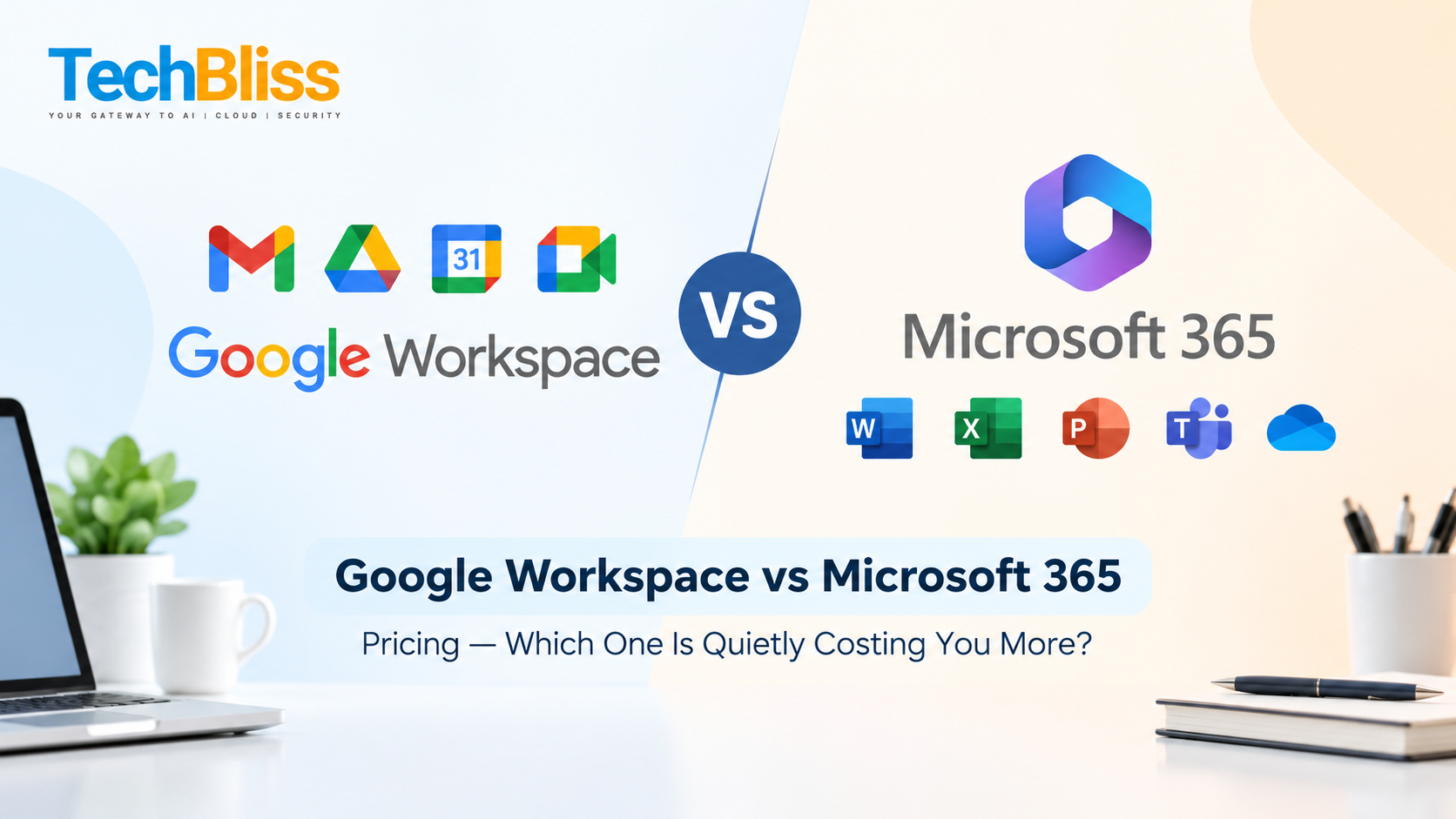
Some businesses genuinely need Microsoft’s ecosystem instead, particularly enterprises already invested in Active Directory or specific compliance tooling. If you’re comparing Microsoft 365 licensing options for enterprises alongside Workspace, that’s a conversation worth having with a partner who sells both, rather than one who’s only incentivized to push a single platform.
What is Google’s 20% rule, and does it affect Workspace pricing?
Google’s 20% rule has nothing to do with Workspace licensing. It refers to Google’s long-standing internal policy of letting employees spend a portion of their work time on independent projects, a practice widely credited with incubating products like Gmail. It’s not a discount, a storage allowance, or anything tied to your invoice.
If you’ve seen the phrase paired with “Google Workspace” in search results, it’s likely confusion between the company’s internal innovation culture and its commercial product tiers. There’s no 20% rule baked into pricing, storage, or licensing terms for Business Starter, Standard, or Plus.
Is Google Workspace free, and do you actually need it?
Google Workspace is not free for businesses; the free consumer Gmail account lacks the custom domain email, admin controls, and expanded storage that a paid Workspace plan provides. Whether you “need” it depends on how seriously you treat things like brand credibility and data ownership.
Do I really need Google Workspace? If you’re emailing clients from a free Gmail address, the honest answer is probably yes. A custom domain (you@yourcompany.com instead of yourcompany@gmail.com) signals legitimacy that free accounts simply can’t. Is Google Workspace worth it for one person? Often yes, mainly for the professional email address and the security controls, though a true solo freelancer with minimal storage needs might find a lower tier sufficient rather than jumping straight to a premium plan.
Beyond email: security, managed IT, and AI automation for growing teams
Workspace’s calendar and Docs tools solve collaboration, but growing companies eventually run into bigger questions: who’s protecting the network overnight, and who’s watching for phishing attempts while the founder sleeps? This is where the benefits of 24/7 managed IT services for startups become concrete rather than theoretical. A single unpatched laptop or a missed phishing alert at 2 a.m. can flood your team’s inbox with malware before anyone notices.
For businesses handling regulated data, particularly finance and fintech, a cloud migration checklist for the finance sector needs to cover data residency, not just storage size. Microsoft 365 India data residency options and Google’s own regional data controls both matter here, especially under India’s Digital Personal Data Protection framework, which the Ministry of Electronics and IT outlines in detail on its official DPDP Act resource page. Teams handling client financial records should map out where data physically lives before signing any contract.
AI workflow automation use cases in finance are expanding fast too, from automated reconciliation flags to AI-drafted client summaries inside Docs and Gmail. Businesses evaluating an Azure cloud cost calculator for migration projects alongside Workspace or Microsoft 365 are usually trying to answer one question: what does full-scale migration actually cost once storage, licensing, and IT labor are added up? That’s a conversation best had with a partner who’s run the numbers across both ecosystems, not just one.
For teams that need the deeper security and compliance layer, our Google Workspace Business Plus pricing page outlines what’s included at the top tier, including Vault for eDiscovery and advanced endpoint management.
Frequently asked questions
Is Google Workspace worth it for a small business? Yes, for most small businesses it’s worth it because the custom domain email, shared storage, and built-in collaboration tools solve real daily friction. The right tier depends on team size and how much storage or security depth you actually need, which is why comparing plans before signing up matters more than picking the cheapest option outright.
Is Google Workspace free for small businesses? No, business use requires a paid plan. The free consumer version of Gmail doesn’t include a custom domain, admin console, or the expanded storage that paid Workspace tiers provide, which most businesses need for client-facing credibility.
Do I really need Google Workspace, or can I stick with free tools? If you’re emailing clients from a generic free address or juggling separate apps for storage and video calls, a unified paid platform usually saves more time than it costs. Solo operators with very light needs may get by longer on free tools, but growth tends to expose the gaps quickly.
What are the main disadvantages of Google Workspace? The biggest drawbacks are limited offline functionality compared to desktop-native apps, a learning curve for teams coming from Microsoft-based workflows, and rising costs as you add advanced security or compliance add-ons at higher tiers.
How does Google Workspace help nonprofits and educational institutions? Both sectors benefit from the same core mix of shared storage, real-time document collaboration, and centralized admin control, though eligible nonprofits and schools can often access specific discounted or education-focused editions through Google’s own qualification programs.
Ready to figure out which Workspace tier actually fits your team, or want a side-by-side look at Workspace versus Microsoft 365 for your specific setup? Talk to our team at TechBliss for a plan comparison and migration timeline built around your business, not a generic template.