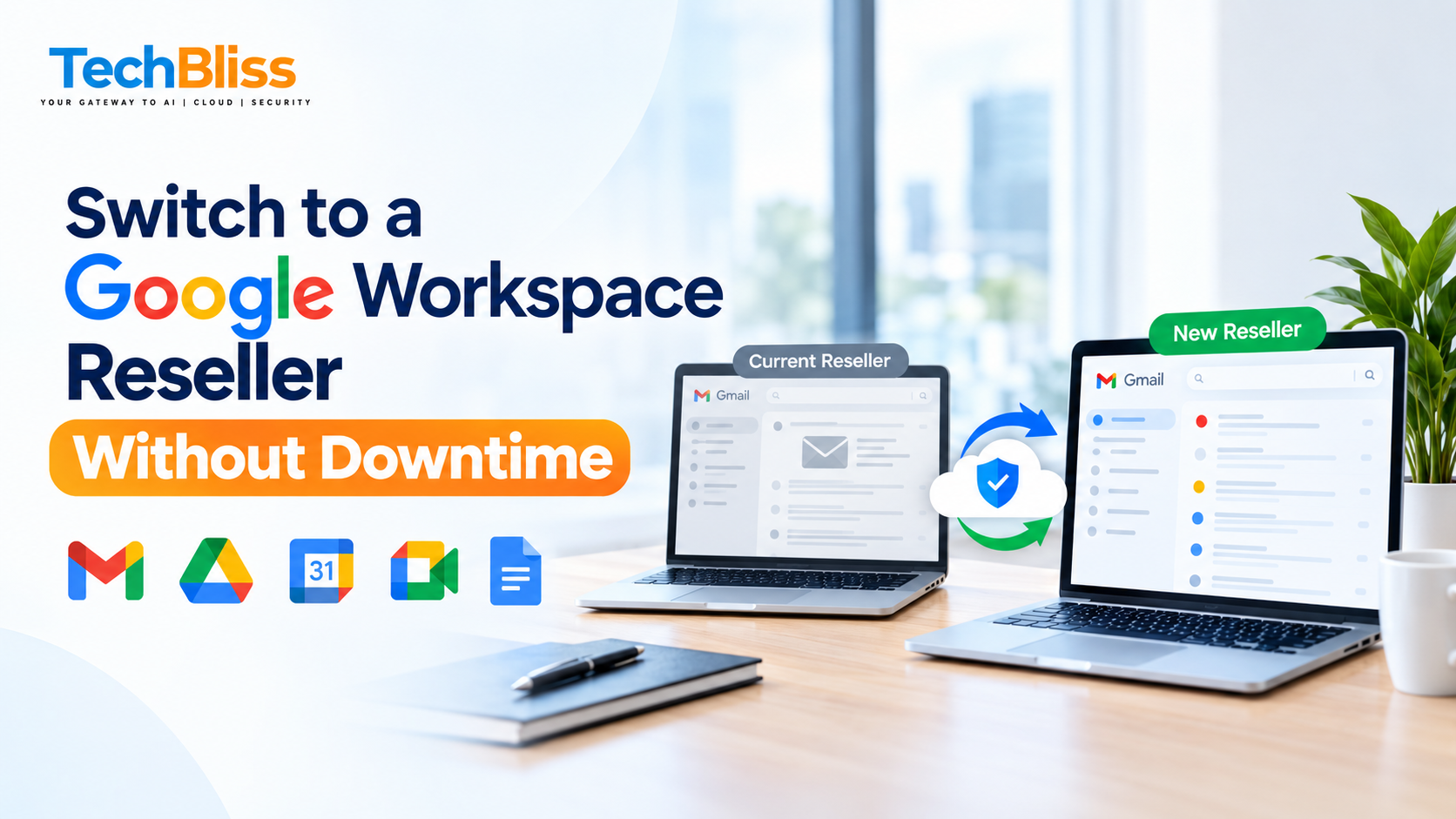
Many small and medium‑size businesses fear a blackout when they move email systems. The shift to Google Workspace Business Starter can be as smooth as a well‑lubricated gear train. With a careful roadmap, your inbox stays alive, documents stay reachable, and your crew remains focused—no client calls dropped. This playbook walks owners of growing companies through a painless, cost‑effective, and future‑proof migration. Learn more about the Google Workspace Business Standard plan.
Table of Contents
What is google workspace business starter? Why it matters
Google Workspace Business Starter stitches together the essential Google tools—Gmail, Drive, Calendar, Meet, Docs, and friends—into one cloud‑based subscription built for expanding teams. It swaps out aging on‑premise hardware and a patchwork of SaaS apps for a single, secure, always‑updated environment. For SMBs, that translates into reduced IT chores, automatic feature roll‑outs, and a clear‑cut monthly bill.
📊 According to a 2023 IT survey, a large share of small businesses experience at least one hour of email outage during a migration.
Key Features of Business Starter
- Professional Gmail Business: Custom‑domain mailboxes with 30 GB of storage per user.
- Secure Collaboration: Live co‑authoring in Docs, Sheets, Slides, plus 15 GB of shared Drive space.
- Video Meetings: Google Meet supporting up to 100 participants, capped at 60 minutes.
- Built‑in Security: Two‑step verification, anti‑phishing filters, and admin controls.
- 24/7 Support: Direct line to Google’s support hub and local reseller help.
Ideal Business Size and Use Cases
- Teams of 1‑300 users that need a rock‑solid mail service and cloud storage.
- Start‑ups hunting for an inexpensive launchpad before graduating to Business Standard or Enterprise.
- Remote‑first companies that live on video calls and real‑time document sharing.
“ Image placeholder “
Google Workspace Business Starter vs. Standard – What’s the Difference
| Feature | Business Starter | Business Standard |
|---|---|---|
| Storage per user | 30 GB | 2 TB |
| Google Meet capacity | 100 participants, 60 min | 150 participants, 24 hr |
| Security & compliance | Basic admin controls | Advanced DLP & Vault |
| Price per user / month | ≈ ₹500 | ≈ ₹1,000 |
Feature Comparison
- Storage: Starter hands each user 30 GB—plenty for email and modest docs. Standard jumps to 2 TB, a playground for media‑rich teams.
- Meeting limits: Starter stops meetings at 60 minutes; Standard lifts the ceiling, allowing marathon webinars and workshops.
- Security: Both block spam, but Standard adds data‑loss‑prevention (DLP) and e‑Discovery tools for tighter compliance.
Pricing Overview
Google Workspace Business Starter carries a price tag of roughly ≈ ₹500 per user per month in India. The Business Standard tier sits near ≈ ₹1,000. When you factor in a local reseller’s modest markup for migration and support, the total still undercuts rivals like Microsoft 365 Business Basic, which may start at ₹210 per user but often demands extra third‑party backup and migration utilities. Read our Google Workspace vs Microsoft 365 Comparison for details.
“ Image placeholder “
How to Switch to a Google Workspace Reseller Seamlessly
Partnering with a certified Google Workspace reseller in India gives you a hometown point of contact, rapid response, and a migration blueprint built around zero interruption. Follow the checklist we’ve refined for dozens of SMBs.
Step 1: Assess Current Email & Data Landscape
- Audit existing accounts: Capture every mailbox, alias, and distribution list.
- Map data sources: Pinpoint where files live—on‑premise servers, other clouds, or local drives.
- Define retention policies: Decide what must stay live, what can be archived, and what can be purged.
⭐ Pro Tip: Export your current mailboxes to .pst or .mbox files first. This snapshot acts as a safety net and speeds up the later sync.
Step 2: Choose a Certified Reseller in India
Pick a partner bearing Google’s Cloud Partner badge and promising a zero‑downtime migration. Our crew at TechBliss, for instance, has guided hundreds of Indian SMBs through DNS swaps, user onboarding, and hands‑on training.
- Local expertise: They navigate Indian data‑privacy rules and can spin up regional data centers when needed.
- Pricing transparency: Look for a clear google workspace reseller price breakdown—no surprise line items.
- Support scope: Confirm that post‑migration assistance covers admin coaching and ongoing troubleshooting.
For deeper guidance on vetting a partner, read our article on the Google Workspace Reseller.
Step 3: Execute a Zero‑Downtime Migration
- Create a temporary domain alias inside Google Workspace to catch mail while the original MX records still point to the legacy server.
- Run a staged sync: Migrate a pilot group, verify delivery, then roll out to the rest of the roster.
- Flip MX records during a low‑traffic window (usually after hours). Because the alias is already pulling mail, users notice no gap.
- Validate data: Ensure every email, contact, and Drive file appears correctly in the new accounts.
- Decommission old servers only after a full verification period—typically 7‑10 days.
⭐ Pro Tip: Keep a read‑only backup of the legacy mailboxes for 30 days. It offers a safety cushion without hurting performance.
“ Image placeholder “
Frequently Asked Questions
Can I switch to Google Workspace Business Starter without losing data?
Absolutely. A certified reseller will pull a full export from your current system and seed it into Gmail and Drive. The staged approach guarantees mail continues to flow to a temporary alias, so nothing disappears. Once the MX switch is complete, all fresh mail lands straight in Gmail, and the historic data is already present in Drive.
What is the cost of a Google Workspace reseller in India?
Reseller fees differ, but many partners add a modest ₹20‑₹30 per user per month on top of the base price. This covers migration, ongoing support, and license administration. For a 50‑user crew, expect an extra ₹1,000‑₹1,500 each month—still far cheaper than hiring a full‑time IT specialist.
Do I need a contract renewal for Google Workspace Business Starter?
Google Workspace subscriptions are month‑to‑month by default. Still, many resellers offer annual agreements with a 10‑15 % discount. The reseller handles renewal notices 30 days before the term ends. You can always shift plans or cancel with proper notice, as detailed in the Google Workspace Renewal guide.
💡 Ready to migrate? Contact our Google Workspace Business Starter experts for a zero‑downtime transition today!
Conclusion: Google Workspace Business Starter final thoughts
Moving to Google Workspace Business Starter can be a turning point for any small or mid‑size firm that craves reliable mail, secure cloud storage, and collaboration tools without the nightmare of downtime. By joining forces with a seasoned google workspace reseller—especially one proven in the Indian market—you hand off the technical heavy lifting, protect your data, and enjoy a seamless cut‑over.
The price advantage is clear: at ≈ ₹500 per user per month, plus a modest reseller surcharge, you receive a full suite of productivity apps that grow with you. For a deeper dive into plan costs, explore our Google Workspace Pricing page. Compared with on‑premise legacy stacks or other SaaS rivals, the total cost of ownership plummets, freeing internal talent to focus on revenue‑generating work.
If you’re ready to take the next step, start by auditing your current email environment, reach out to a certified reseller, and schedule a pilot migration. The quicker you act, the sooner you’ll reap the benefits of cloud‑first productivity—no missed emails, no data silos, and no surprise outages.
We’d love to hear about your migration roadmap or any hurdles you’re encountering. Drop a comment below, or get in touch for a customized consultation. Your journey toward a more agile, productive workplace begins now.
💡 Contact us today to start your Google Workspace Business Starter migration with zero downtime!
Get a Free Quote
Talk to TechBliss Solutions — your trusted technology and digital marketing partner in India.
TechBliss Solutions
Mobile Number: +91 9716813099
Website: TechBliss