
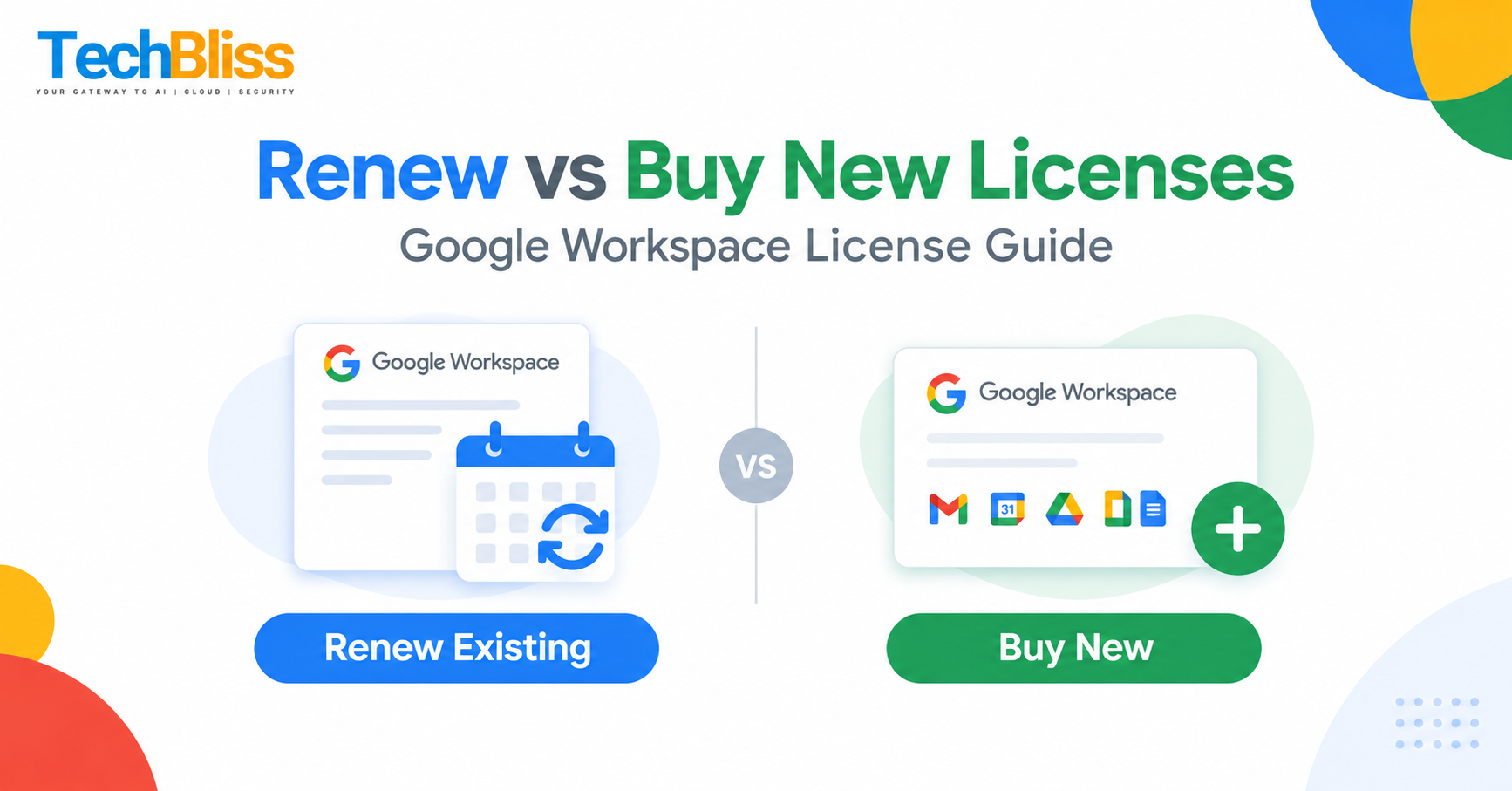
Did you know that up to 30 % of small businesses overpay on their google workspace renewal price each year? Ignoring renewal options can drain your budget fast. Knowing the google workspace renewal price helps you control your annual subscription costs and keep your team productive. Learn more about overall Google Workspace pricing on our Google Workspace Pricing page.
Table of Contents
Understanding the Google Workspace Renewal Price for Your Business
What is the Google Workspace renewal price? Why it matters
📊 Industry surveys indicate that a large share of SMBs renew without checking for hidden admin fees, which can add roughly $120 per user annually.
Definition of renewal price
The renewal price is the amount you pay to keep your existing Google Workspace licenses active after the initial contract ends. It includes the base subscription fee plus any taxes, admin fees, or add‑on charges. Think of it as the “membership fee” you pay each year to keep your email, Drive, and collaboration tools running.
Why renewal timing impacts cost
Renewing early can lock in the current rate before any announced price increase. Waiting until the last day may push you into a higher tier or trigger a “late‑renewal” surcharge. For example, a 10‑user Business Standard plan that renews on time might stay around $12 per seat. A delayed renewal could rise to $13.50 per seat if a price adjustment occurs.
![Image placeholder]
Renewal vs Buying New Licenses: Core Cost Comparison
| Scenario | Base Cost per User | Additional Fees |
|---|---|---|
| Renew existing Business Starter | $6 | $0 admin fee |
| Buy new Business Starter | $6 | $15 one‑time setup |
| Renew existing Business Standard | $12 | $0 admin fee |
| Buy new Business Standard | $12 | $20 one‑time setup |
| Enterprise renewal via reseller | Custom | Potential discount 5‑15% |
License cost breakdown
- Base subscription: The core price listed on the Google Workspace pricing page.
- Setup or migration fees: One‑time charges when you add new seats or switch plans.
- Admin fees: Some resellers add a small management fee that can be hidden in the invoice.
Flexibility and contract terms
Renewing keeps your contract length unchanged, usually one year. Buying new licenses lets you switch plans, but you may need to pay a migration fee. Enterprise customers often negotiate multi‑year deals that include volume discounts. As a certified Google partner, TechBliss has helped dozens of SMBs compare these paths and avoid surprise costs.
![Image placeholder]
How to Choose the Right Renewal Strategy for SMBs
Step 1: Assess current usage
Start by reviewing the admin console. Identify seats that are idle, users on free trials, or departments that never use advanced features. Cutting unused licenses can shave 10‑20 % off the google workspace renewal price.
⭐ Pro Tip: Export the user list to a spreadsheet and flag any account with zero login activity for the past 30 days.
Step 2: Evaluate reseller offers
Resellers often bundle support, training, and discounted rates. Compare the google workspace renewal price you see on the official site with a reseller quote. A reputable partner may shave 5 % off the base price and remove hidden admin fees.
For example, a local reseller reported offering a 7 % discount on a 25‑seat Business Standard renewal, potentially saving the client around $225 annually. Learn more about how a reseller can help at our Google Workspace Reseller page. You can also review the Google Workspace Business Starter and Google Workspace Business Standard plans for detailed pricing.
Step 3: Calculate total cost of ownership
Add up the base subscription, any admin fees, and the cost of support or training you’ll need. Then compare that total to the price of buying new seats at a higher tier. Use a simple spreadsheet formula:
Total Renewal Cost = (Base Price × Seats) + Admin Fees
If the total renewal cost is lower than the cost of moving to a higher tier, stick with renewal. Otherwise, consider upgrading.
![Image placeholder]
💡 Need help navigating your google workspace renewal price? Contact our experts now for a free cost‑saving consultation.
Frequently Asked Questions
What factors influence the Google Workspace renewal price?
The renewal price depends on the plan you choose (Business Starter, Standard, or Enterprise), the number of active seats, any applicable taxes, and reseller‑added admin fees. Seasonal price adjustments from Google also play a role. Monitoring usage and negotiating with a reseller can keep the price in check.
Can I get a discount on Google Workspace renewal through a reseller?
Yes. Resellers often have volume‑based discounts and can waive hidden admin fees. A reseller may also bundle additional services like migration support, which adds value beyond the raw price. Check out our guide on the Google Workspace Renewal for more details.
Is it cheaper to renew or purchase new licenses for a growing business?
It varies. Renewing existing seats usually avoids setup fees and keeps your contract stable. Purchasing new licenses can be cheaper if you need to upgrade to a higher tier that offers better per‑seat pricing at scale. Run a total cost of ownership analysis to see which option saves you more money.
Conclusion: Google Workspace Renewal Price Final Thoughts
Understanding the google workspace renewal price helps you avoid hidden fees and plan your budget with confidence. By checking usage, comparing reseller pricing, and calculating the true renewal cost, you can keep your collaboration tools running without overspending. Remember, timing matters—renew early to lock in rates, and always ask for a detailed invoice that breaks out admin fees.
If you found this guide useful, share your thoughts in the comments below or reach out for a personalized review of your Google Workspace contract. We’re here to help your business stay productive and profitable.
For a deeper dive into subscription options, explore our Google Workspace vs Microsoft 365 Comparison page.
Get a Free Quote
Talk to TechBliss Solutions — your trusted technology and digital marketing partner in India.
TechBliss Solutions
Mobile Number: +91 9716813099
Website: TechBliss