
Did you realize that many small firms unintentionally spend extra on their google workspace renewal price? Figuring out the google workspace renewal price can feel like navigating a maze while you’re busy with daily tasks. The good news is you don’t have to do it alone. Team up with a knowledgeable partner reseller and follow a clear roadmap. You can lock in predictable costs and dodge surprise fees that drain your budget. Below is a straightforward breakdown to help your SMB make a savvy renewal choice.
If you need help with the Google Workspace renewal price, check our Google Workspace Renewal guide.
Table of Contents
Understanding the Google Workspace Renewal Price for Your Business
What is google workspace renewal price? Why it matters
📊 Bold fact: Industry reports indicate that many SMBs encounter higher‑than‑listed renewal costs.
When your annual term ends, the google workspace renewal price is the amount you’ll pay to keep using the cloud productivity suite. It matters because it directly impacts your operating costs, cash flow, and the value you get from tools like Gmail, Drive, and Meet. A small misstep can increase a yearly bill by a noticeable amount, cutting into funds you could use for marketing or hiring.
Understanding the Renewal Cycle
- Annual vs. monthly: Most businesses choose an annual commitment to lock in a lower rate. Monthly plans stay flexible but cost more per seat.
- Grace period: Google often provides a grace period of around 30 days after the renewal date. Missing it can trigger a higher “late renewal” fee.
- Currency fluctuations: For international teams, exchange rates can shift the final amount, especially in regions like India.
Key Cost Drivers
- Number of active seats: More users mean higher total cost, even if per‑seat pricing stays flat.
- Edition upgrades: Moving from Business Starter to Business Standard adds features and raises the price.
- Add‑on services: Extra storage, Vault, or advanced security can increase the bill.
- Regional pricing: Taxes and local market adjustments affect the final number, which is why the google workspace renewal price india often differs from the US rate.
⭐ Pro Tip: Review your seat count well before renewal. Deactivating unused accounts can reduce the total cost.
For more on this, see our Google Workspace Business Starter page.
Renewal Options: Direct vs. Reseller
| Option | Base Price per Seat (USD) | Typical Discount |
|---|---|---|
| Direct Renewal (Google) | $6 (Business Starter) | 0% |
| Authorized Reseller | $6 (Business Starter) | 5‑15% off |
| Enterprise Reseller (Volume >500) | $6 (Business Starter) | 20‑30% off |

Direct Renewal Overview
Renewing straight through Google gives you the listed google workspace pricing and full access to Google’s support channels. It’s simple, but you lose any chance for negotiated discounts.
Reseller Benefits
- Discounts: Resellers can often provide discounts ranging from a few percent up to around 30%, especially for larger teams.
- Managed services: Many partners bundle migration help, training, and ongoing admin support.
- Local billing: Resellers often handle taxes and compliance for your region, which smooths the renewal process.
Partner with a certified Google Workspace Reseller to unlock discounts and added support.
Pricing Comparison
| Plan | Direct (Annual) | Reseller Discount | Effective Cost |
|---|---|---|---|
| Business Starter | $72 per user | 10% | $64.80 |
| Business Standard | $144 per user | 12% | $126.72 |
| Enterprise | Custom | 20% | Varies |
💡 Ready to lower your Google Workspace renewal price? Contact us today for a personalized reseller quote.
How to Choose the Right Renewal Path
Step 1: Assess Your Usage
- Audit active users: Pull a report from the Admin console. Look for dormant accounts that haven’t logged in for 60+ days.
- Map feature needs: Does your team use advanced security, large storage, or video conferencing? Match those needs to the right edition.
- Calculate true cost: Multiply active seats by the per‑seat price, then add any add‑ons. This gives you a baseline before discounts.
⭐ Pro Tip: Use Google’s “License Usage” report to spot over‑provisioned seats. Cutting a few unused licenses can lead to noticeable savings.
Step 2: Evaluate Reseller Offers
- Ask for a price sheet: A reputable Google Workspace reseller will provide a clear breakdown of discounts, taxes, and any bundled services.
- Check certifications: Look for partners listed on the Google Cloud Partner Directory. Certified partners have proven expertise.
- Read case studies: Real‑world examples, like a mid‑size retailer that saved a double‑digit percentage by switching to a reseller, illustrate potential gains.
Review the full Google Workspace Pricing before deciding.
Many SMBs we’ve guided have secured double‑digit discounts on average and avoided hidden renewal fees.
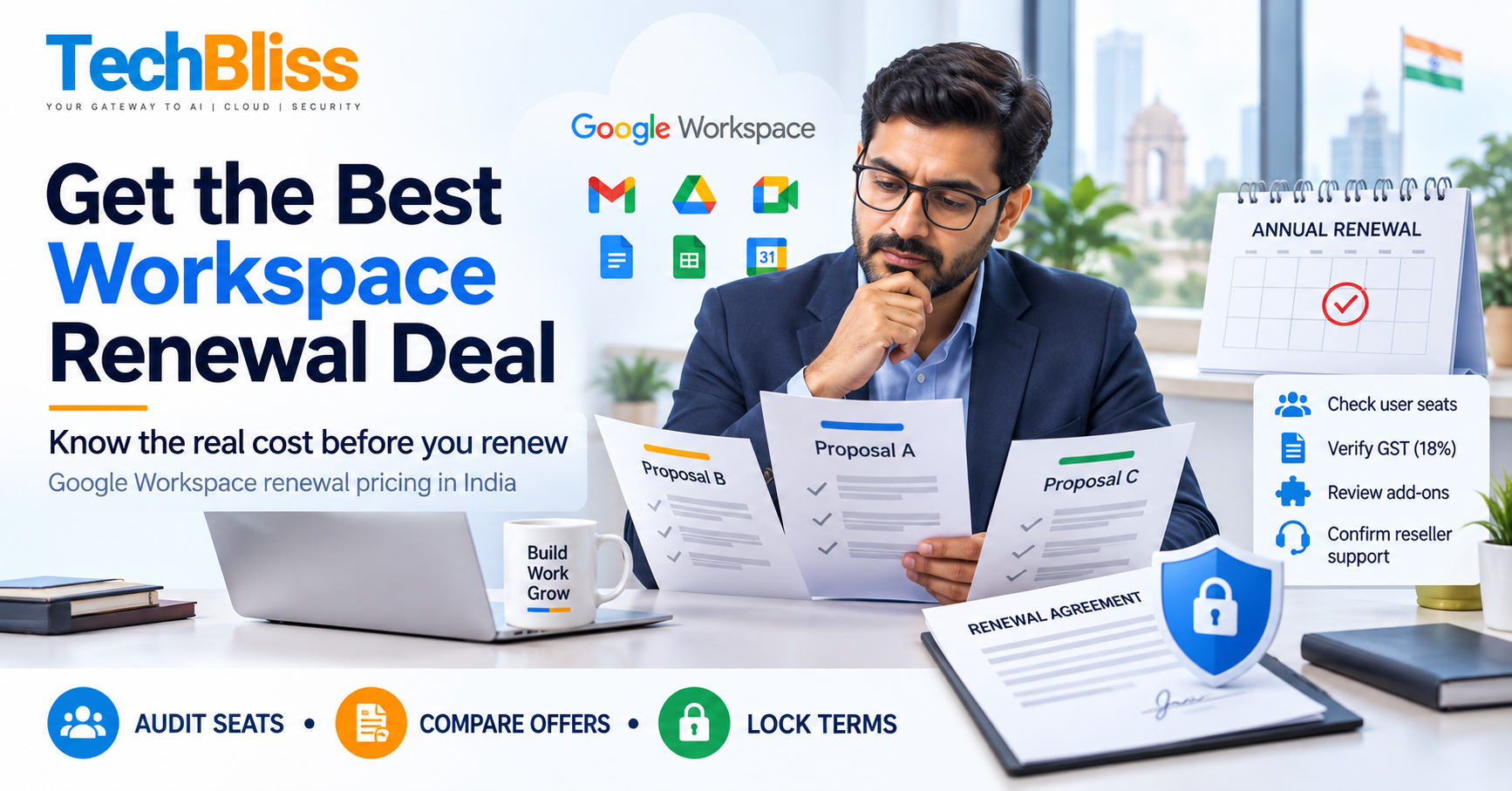
Step 3: Execute the Renewal
- Confirm seat count and any planned upgrades at least 45 days before the renewal date.
- Negotiate the discount with your chosen reseller. Ask for a written quote that includes all fees.
- Sign the renewal agreement and set up automatic payment to avoid the grace‑period penalty.
- Update internal documentation with the new contract terms and cost breakdown.
⭐ Pro Tip: Set a calendar reminder for the renewal date and another for the 30‑day grace window. This prevents accidental late fees.
Frequently Asked Questions
What factors influence the Google Workspace renewal price?
The renewal price hinges on seat count, chosen edition (Starter, Standard, Enterprise), any add‑on services, and regional tax rules. Seasonal promotions or volume discounts from a reseller can also shift the final number. For example, a company in India may see a 7% GST addition, while a U.S. firm faces no sales tax.
Can I get a discount by renewing through a reseller?
Yes. Authorized resellers often provide discounts that can range from a few percent up to around 30% of the listed price, depending on your contract length and volume. They may also bundle services like migration assistance or dedicated support, adding extra value beyond the discount itself.
How does the renewal price differ for India compared to other regions?
India applies a Goods and Services Tax (GST) of 18% on top of the base price. Additionally, local currency conversion can cause slight variations. A Business Standard seat listed at $12 per month may end up costing roughly ₹1,200 after GST and conversion, whereas the same seat in the U.S. stays at $12.
Conclusion: google workspace renewal price final thoughts
Understanding the google workspace renewal price is essential for keeping your cloud productivity pricing under control. Whether you renew directly with Google or partner with an authorized reseller, the key is to audit usage, compare discounts, and act before the grace period ends. By following the step‑by‑step guide above, you can avoid hidden fees, secure meaningful savings, and ensure your team continues to work without interruption.
If you’ve found this guide helpful, feel free to leave a comment or reach out for a deeper dive into your specific renewal scenario. We’re here to help you get the best price and the best support for your business.
💡 Contact us now to get a customized quote and start saving on your google workspace renewal price today.
Get a Free Quote
Talk to TechBliss Solutions — your trusted technology and digital marketing partner in India.
TechBliss Solutions
Mobile Number: +91 9716813099
Website: TechBliss