In today’s digital age, cloud storage has become an essential tool for individuals and businesses alike. Google Drive is one of the most popular cloud storage services used in India, offering a range of features and benefits. However, when it comes to sharing sensitive files and documents, security becomes a top concern. In this blog post, we will discuss how to share Google Drive files securely in India, ensuring that your confidential data remains protected.
Understanding Google Drive Sharing Options
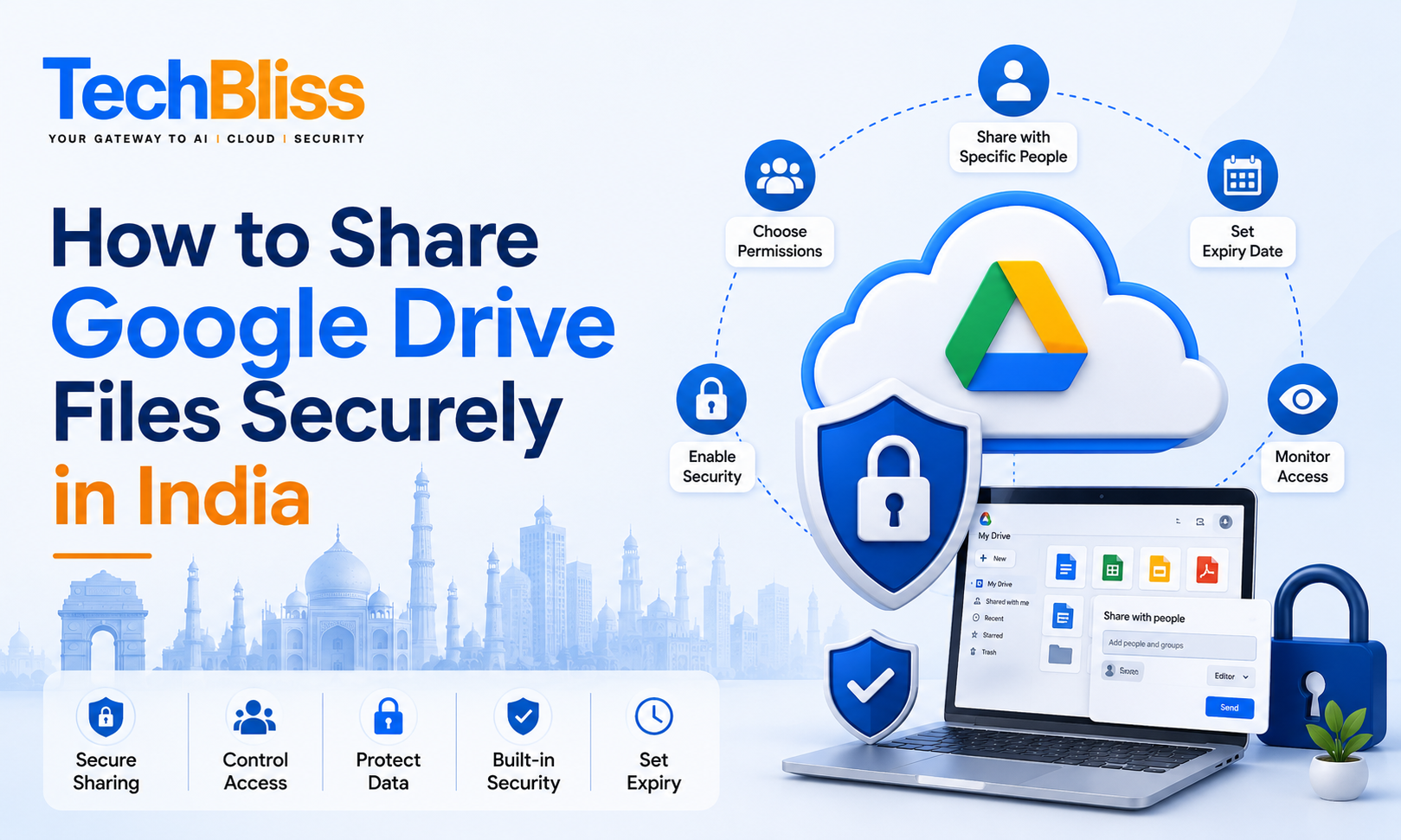
Google Drive offers various sharing options, allowing you to control who can access your files and what actions they can perform. You can share files with specific individuals, groups, or even make them publicly available. However, it’s essential to understand the different sharing options and their implications on file security. For instance, if you’re a business owner in Mumbai, you may want to share financial reports with your accountant, but restrict access to sensitive information.
Sharing Files with Specific Individuals
To share files with specific individuals, you can add their email addresses and set the permission level to editor, viewer, or commenter. This ensures that only authorized individuals can access and modify your files. You can also set an expiration date for the shared file, after which it will no longer be accessible to the recipient. For example, if you’re a startup in Bangalore, you may want to share a confidential document with a potential investor, but limit their access to 30 days.
When sharing files with individuals, it’s crucial to verify their email addresses and ensure that they are legitimate. You can also use two-factor authentication to add an extra layer of security. This feature is especially useful when sharing sensitive files, such as financial documents or personal identifiable information.
Using Google Drive’s Built-in Security Features
Google Drive offers several built-in security features that can help protect your files from unauthorized access. One such feature is encryption, which scrambles your files and makes them unreadable to anyone without the decryption key. You can also use password protection to add an extra layer of security to your shared files. For instance, if you’re a business in Delhi, you may want to share a confidential document with a client, but require them to enter a password to access the file.
Best Practices for Secure Sharing
To ensure secure sharing of Google Drive files, follow these best practices:
- Use strong and unique passwords for your Google account and shared files
- Enable two-factor authentication to add an extra layer of security
- Set expiration dates for shared files to limit access
- Use encryption and password protection to protect sensitive files
- Regularly monitor and update your shared files and permissions
By following these best practices, you can significantly reduce the risk of unauthorized access to your Google Drive files. Additionally, you can use Google Workspace, which offers a range of security features and tools to help protect your business data. With Google Workspace, you can get started with a Basic plan for ₹210 per user per month, which includes 30 GB of cloud storage, security, and compliance features.
Conclusion
In conclusion, sharing Google Drive files securely in India requires a combination of understanding the sharing options, using built-in security features, and following best practices. By taking these steps, you can protect your sensitive files and documents from unauthorized access. If you’re looking for more information on Google Workspace and how it can help your business, contact TechBliss.in, an authorized Google Workspace reseller in India. Our team of experts can help you choose the right plan and provide guidance on how to use Google Workspace to secure your business data, with prices starting from ₹210 per user per month.