
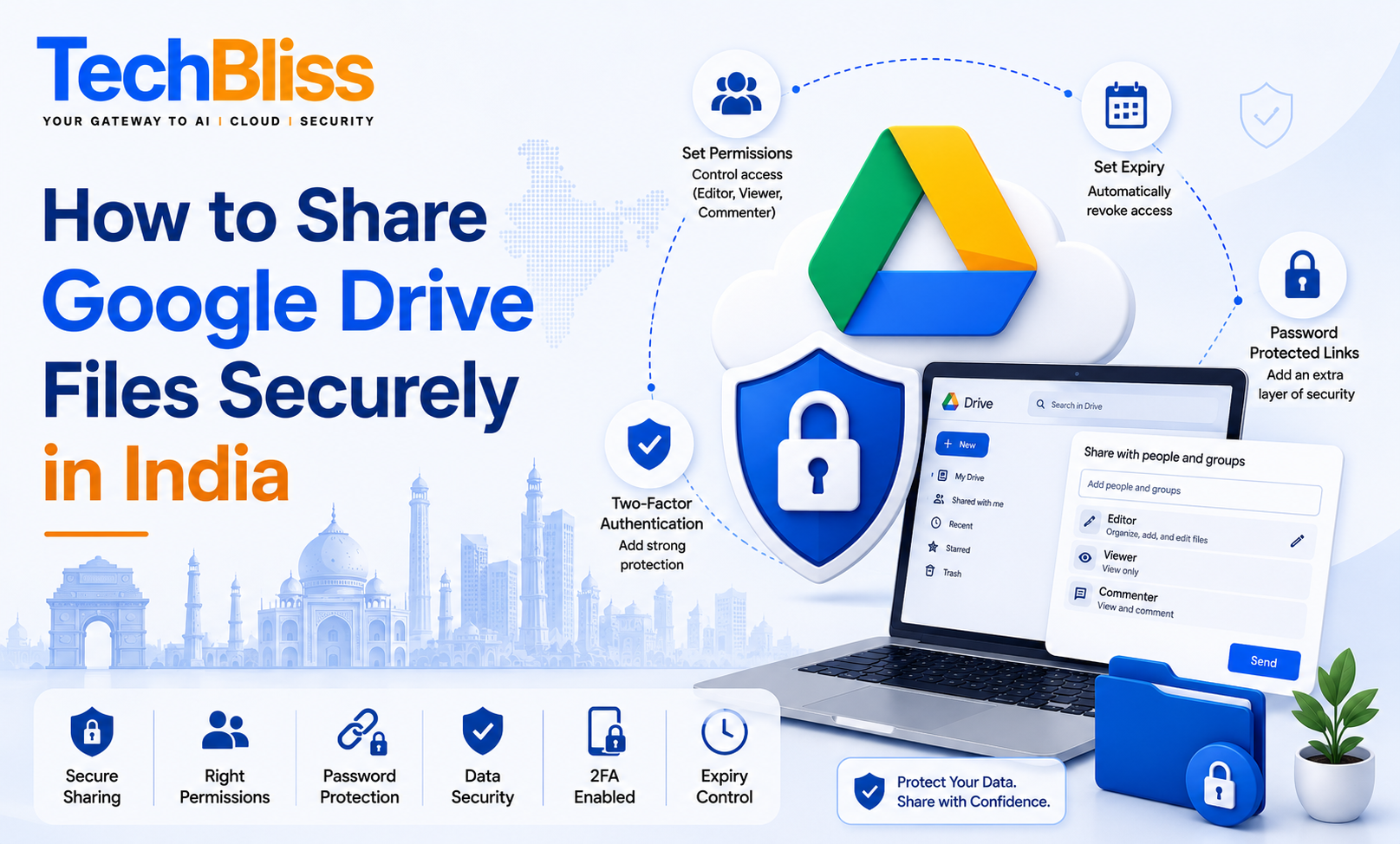
As a small business owner in India, you likely use Google Drive to store and share files with your team, partners, and clients. However, sharing files securely is crucial to protect your business’s sensitive information from unauthorized access. In this blog post, we will explore the best practices for sharing Google Drive files securely in India, including setting permissions, using password-protected links, and enabling two-factor authentication.
Understanding Google Drive Sharing Options
Google Drive provides several sharing options, including editor, viewer, and commenter roles. Editors can modify files, viewers can only view files, and commenters can add comments to files. You can also set expiration dates for shared files and folders, after which access will be automatically revoked.
Setting Permissions
To share a file securely, you need to set the right permissions. For example, if you are a marketing agency in Mumbai, you may need to share a confidential client report with your team members. In this case, you can set the permission to editor for your team members, so they can modify the report, while setting the permission to viewer for the client, so they can only view the report.
Here are the steps to set permissions in Google Drive:
- Right-click on the file or folder you want to share
- Click on Get link
- Click on the Sharing settings icon
- Select the role you want to assign to the user
- Enter the user’s email address
- Click on Send
Using Password-Protected Links
Google Drive also allows you to create password-protected links, which add an extra layer of security to your shared files. When you create a password-protected link, the user will need to enter the password to access the file. This is especially useful when sharing sensitive information with external parties, such as clients or partners.
For example, if you are a startup in Bangalore, you may need to share a confidential business plan with a potential investor. In this case, you can create a password-protected link and share the password with the investor, so they can access the business plan securely.
Enabling Two-Factor Authentication
Two-factor authentication (2FA) is an additional security layer that requires users to provide a second form of verification, such as a code sent to their phone or a biometric scan, in addition to their password. Enabling 2FA on your Google account can help prevent unauthorized access to your Google Drive files, even if your password is compromised.
To enable 2FA on your Google account, follow these steps:
- Go to your Google Account settings
- Click on Security
- Click on 2-Step Verification
- Follow the instructions to set up 2FA
The cost of enabling 2FA is zero, as it is a free feature provided by Google. However, if you need additional security features, such as advanced threat protection, you may need to upgrade to a paid plan, such as Google Workspace, which starts at ₹210 per user per month.
Best Practices for Secure File Sharing
Here are some best practices for secure file sharing in Google Drive:
- Use strong passwords and keep them confidential
- Set expiration dates for shared files and folders
- Use password-protected links for sensitive information
- Enable two-factor authentication on your Google account
- Monitor your Google Drive activity regularly for suspicious activity
In conclusion, sharing Google Drive files securely in India requires careful consideration of permissions, password-protected links, and two-factor authentication. By following these best practices and using the right tools, you can protect your business’s sensitive information and ensure secure file sharing. If you need help with Google Workspace or have questions about secure file sharing, contact TechBliss.in, a trusted Google Workspace reseller in India, for expert guidance and support.