Google Workspace, formerly known as G Suite, is a collection of productivity and collaboration tools designed to help businesses and individuals work more efficiently. One of the key features of Google Workspace is its offline mode, which allows users to access and edit their files even without an internet connection. In this blog post, we will explore the Google Workspace offline mode features in India and how they can benefit small businesses and startups.
Introduction to Google Workspace Offline Mode
Google Workspace offline mode is a feature that allows users to access and edit their Google Drive files, including Docs, Sheets, and Slides, even when they are not connected to the internet. This feature is particularly useful for users who work in areas with poor or no internet connectivity. With Google Workspace offline mode, users can continue to work on their files and sync them when they come back online.
Benefits of Google Workspace Offline Mode
The benefits of Google Workspace offline mode are numerous. For one, it allows users to work on their files from anywhere, at any time, without being restricted by internet connectivity. This is particularly useful for businesses with employees who work remotely or travel frequently. Additionally, Google Workspace offline mode helps to reduce data costs, as users do not need to stay connected to the internet to work on their files.
For example, a marketing firm in Mumbai may have employees who need to work on client pitches while on the go. With Google Workspace offline mode, these employees can access and edit their files on their laptops or mobile devices, even when they are not connected to the internet. This allows them to work more efficiently and effectively, without being restricted by internet connectivity.
Google Workspace Offline Mode Features
Google Workspace offline mode offers a range of features that make it easy for users to work on their files without an internet connection. Some of the key features include:
- Offline access to Google Drive files, including Docs, Sheets, and Slides
- Ability to edit files offline and sync them when back online
- Offline access to Gmail and Google Calendar
- Ability to compose and send emails offline, with emails syncing when back online
These features make it easy for users to work on their files and stay productive, even when they are not connected to the internet.
Pricing and Plans
Google Workspace offers a range of pricing plans to suit different business needs. The Business Starter plan, which costs ₹210 per user per month, offers 30 GB of storage per user, as well as access to Google Drive, Docs, Sheets, and Slides. The Business Standard plan, which costs ₹840 per user per month, offers 2 TB of storage per user, as well as access to all Google Workspace apps, including Gmail and Google Calendar.
For larger businesses, the Business Plus plan, which costs ₹1,680 per user per month, offers 5 TB of storage per user, as well as advanced security and management features. The Enterprise plan, which is custom-priced, offers unlimited storage, as well as advanced security and management features, and is designed for large businesses and organizations.
Conclusion
In conclusion, Google Workspace offline mode is a powerful feature that allows users to access and edit their files, even without an internet connection. With its range of features and pricing plans, Google Workspace is a great option for small businesses and startups in India. Whether you are a marketing firm in Mumbai, a software development company in Bangalore, or a consulting firm in Delhi, Google Workspace offline mode can help you work more efficiently and effectively.
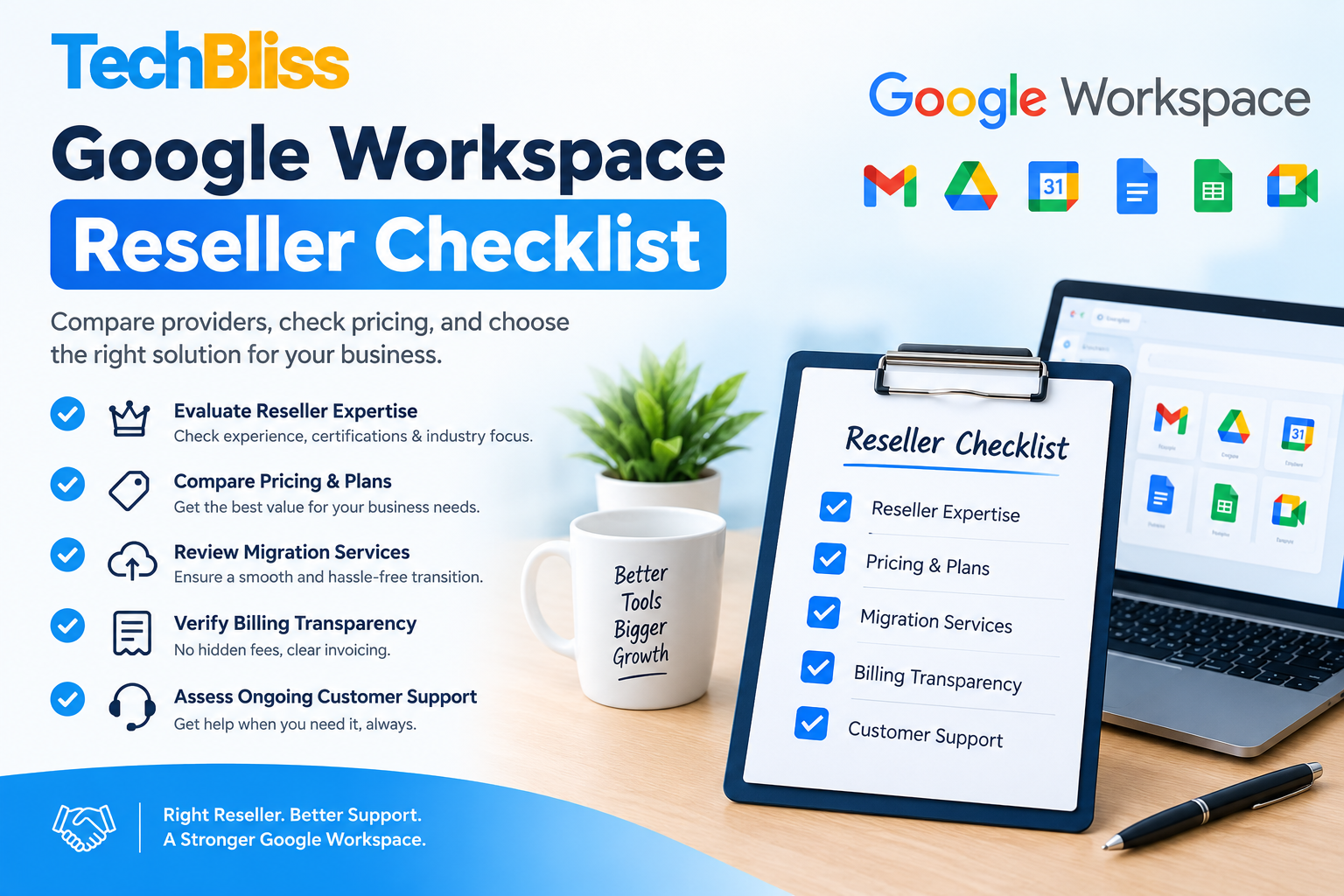
For help with Google Workspace, including setup, migration, and training, contact TechBliss.in, a leading Google Workspace reseller in India. With our expertise and support, you can get the most out of Google Workspace and take your business to the next level. Our prices start from ₹210 per user per month, and we offer customized plans to suit your business needs. Contact us today to learn more about Google Workspace and how it can benefit your business.